1
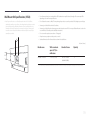
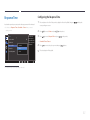
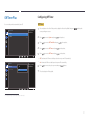
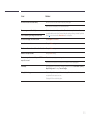
Off Timer Plus
Enable or disable
the Eco Timer.
Off Timer
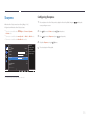
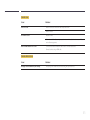
Configuring Eco Timer
Eco Timer
Eco Timer
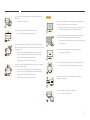
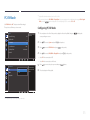
1
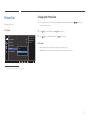
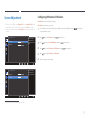
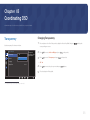
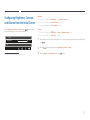
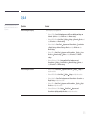
Press any button on the front of the product to display the Function Key Guide. Next, press
to display the
corresponding menu screen.
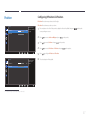
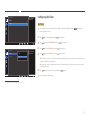
Eco Timer
Eco Timer
해제
Off
Eco Off After
동작
On
Enable or disable
the Eco Timer.
2
Press
to move to System and press
3
Press
to move to Off Timer Plus and press
4
Press
to move to Eco Timer and press
on the product.
5
Press
to move to Eco Timer and press
on the product.
on the product.
on the product.
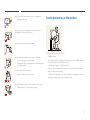
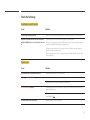
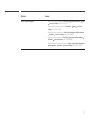
•• Off: Deactivate the eco timer to disable the automatic power off feature. The product will not power off while in powersaving mode if this feature is deactivated.
•• On: Activate the eco timer so that the product powers off automatically when it has been in power-saving mode for a
specified period of time.
6
Press
7
The selected option will be applied.
to move to the option you want and press
buttons.
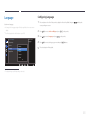
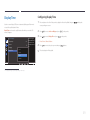
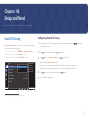
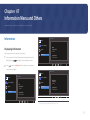
-- The displayed image may differ depending on the model.
53