1
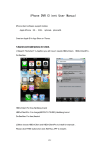
Recommended use 3G or WIFI network, to obtain the better preview
effect.
DVR configuration:
Note:
1. Please make sure that your DVR has Internet IP, and can be accessed via internet.
2. Please make sure that your DVR supports mobile view function. (It depends on the
DVR Firmware version.)
Operation Steps:
SVHE Series DVR:
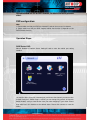
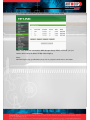
Menu Network Platform Server Setting Load to enter the mobile port setting
interface
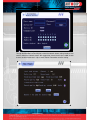
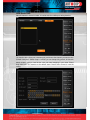
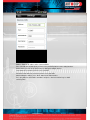
You need to set the listen port (command port) and choose the channels you want to view.
(Default listen port is 15966, range is 1-65535, you can change it by yourself, all channels
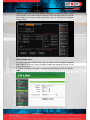
default disable), and you need do the listen port router mapping in your router. Please
keep other box in this interface as the default status. Please click connects to save the
setting.