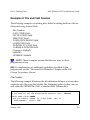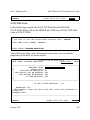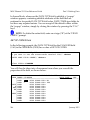
1
Part 5: Defining Data
MSC Fileman 22.2 User Reference Guide
________________________________________________________________
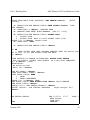
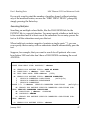
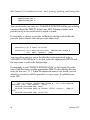
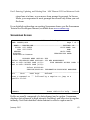
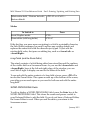
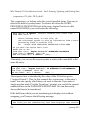
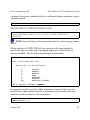
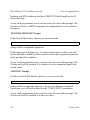
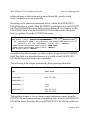
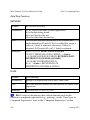
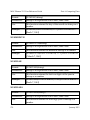
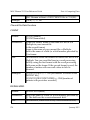
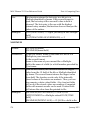
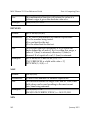
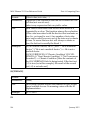
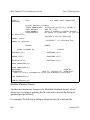
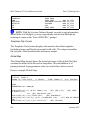
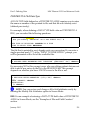
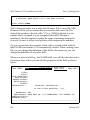
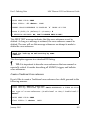
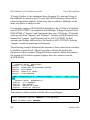
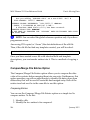
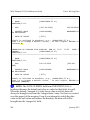
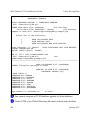
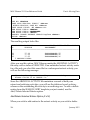
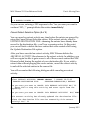
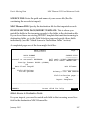
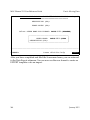
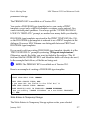
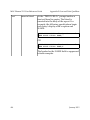
NOTE THAT THIS FIELD'S DEFINITION IS NOT EDITABLE
Press <F1>H for help
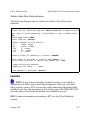
Insert
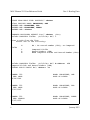
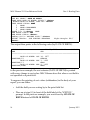
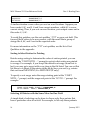
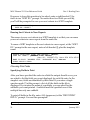
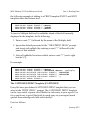
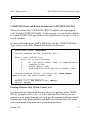
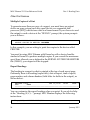
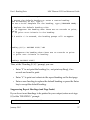
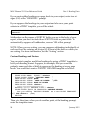
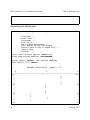
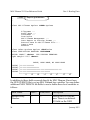
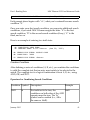
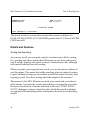
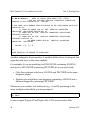
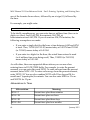
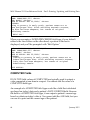
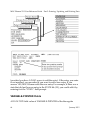
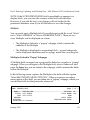
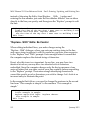
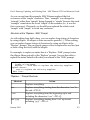
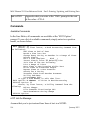
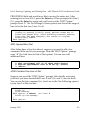
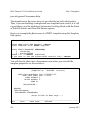
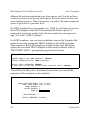
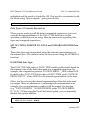
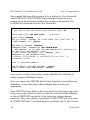
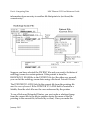
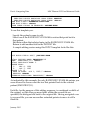
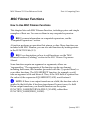
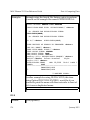
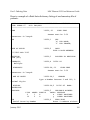
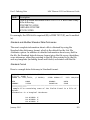
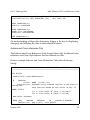
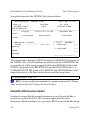
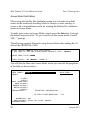
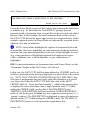
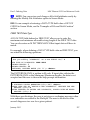
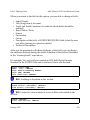
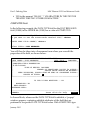
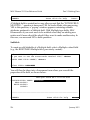
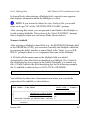
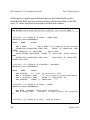
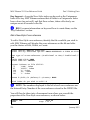
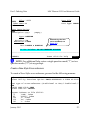
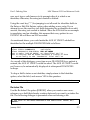
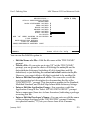
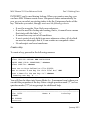
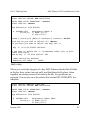
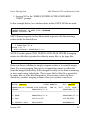
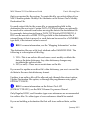
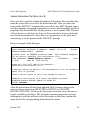
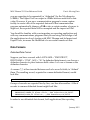
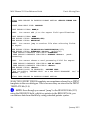
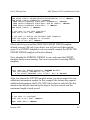
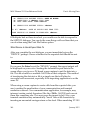
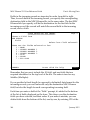
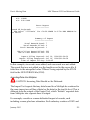
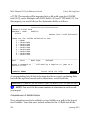
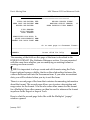
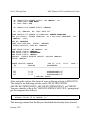
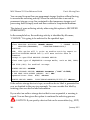
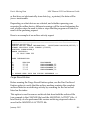
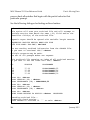
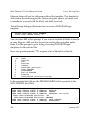
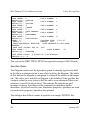
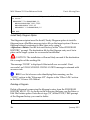
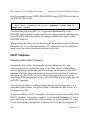
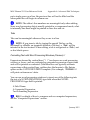
Using the Screen Mode version of this option, after entering the field name
or number (e.g., .01 field) after the "Select FIELD:" prompt, you are
presented with a Screenman form (screen) that can be reviewed and edited
like any other. In this example, the most important field on this screen is
the DATA TYPE field in the upper right corner; it is a required entry. In this
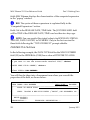
example, required entries in Screen Mode are indicated by a caption with a
different color and an underline.
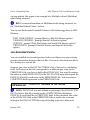
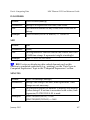
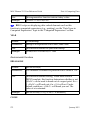
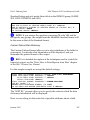
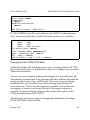
NOTE: Screen Mode highlights the captions for required fields with
an underline. However, depending on your terminal or terminal emulator
software and your personal preferences, the form of the highlight can vary
(e.g., some emulators will highlight required field captions in reverse
video, a different color, with an underline, or any combination of
highlights).
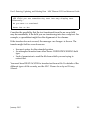
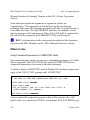
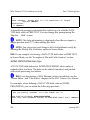
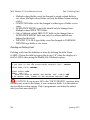
REF: For more information on Screenman forms and Screen Mode, see the
"Screenman" chapter in the MSC Fileman User Manual.
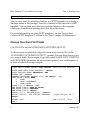
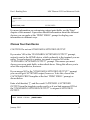
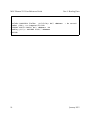
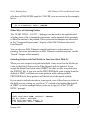
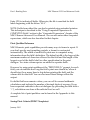
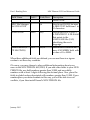
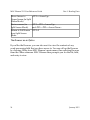
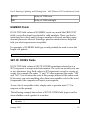
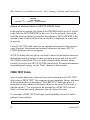
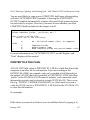
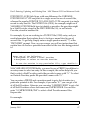
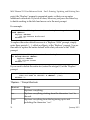
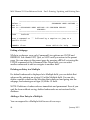
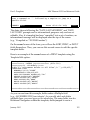
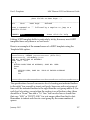
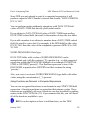
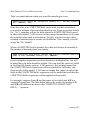
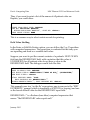
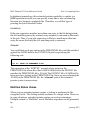
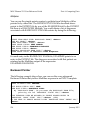
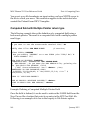
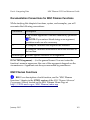
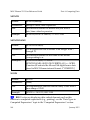
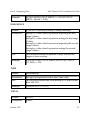
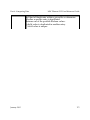
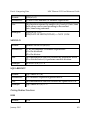
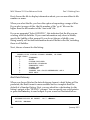
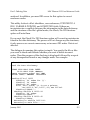
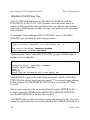
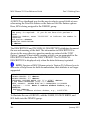
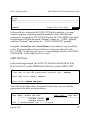
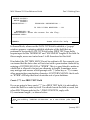
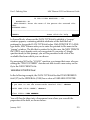
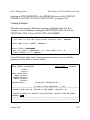
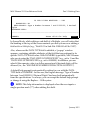
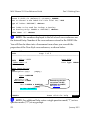
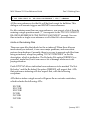
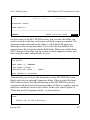
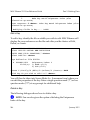
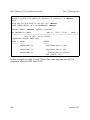
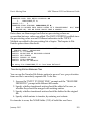
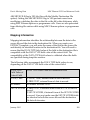
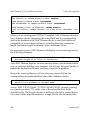
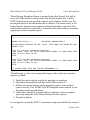
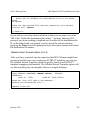
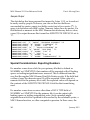
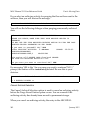
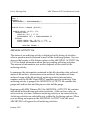
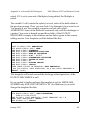
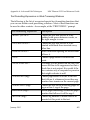
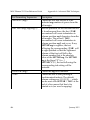
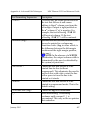
In this case, the DATA TYPE field has been defined as NUMERIC and is not
editable as indicated by the message displayed near the bottom of the screen
(i.e., "NOTE THAT THIS FIELD'S DEFINITION IS NOT EDITABLE"); this
is because a programmer has previously edited the definition in a special
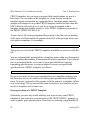
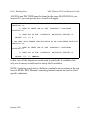
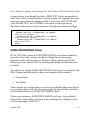
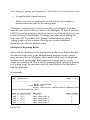
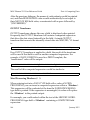
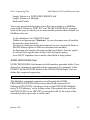
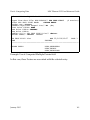
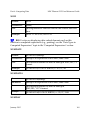
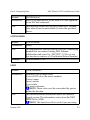
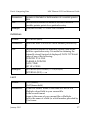
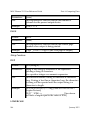
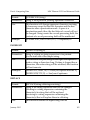
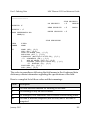
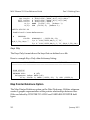
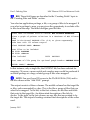
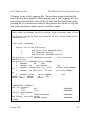
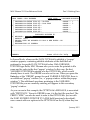
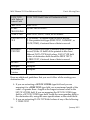
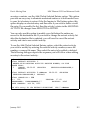
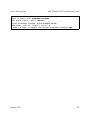
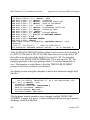
way. However, unlike the DATA TYPE field, the value of the HELPPROMPT field (i.e., "Enter the Order number."), which is the message that
is displayed to users when they enter a single question mark ("?") while
editing the ORDER # field, can be edited. The DESCRIPTION and
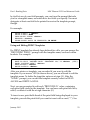
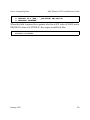
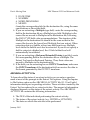
TECHNICAL DESCRIPTION fields are multi-line WORD-PROCESSING
fields; to edit them, press the Enter key and a separate screen opens (i.e., a
"popup" window). The DESCRIPTION is displayed to users who enter two
question marks ("??") while editing the ORDER # field. The TECHNICAL
DESCRIPTION, however, is for internal documentation only.
January 2015
223