1
308
Chapter 13 – The Special Menu and the Window Menu
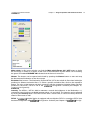
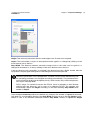
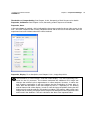
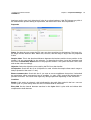
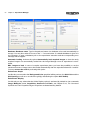
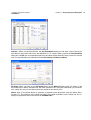
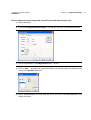
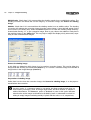
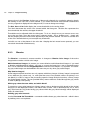
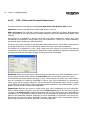
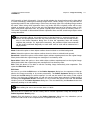
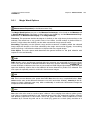
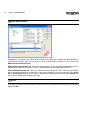
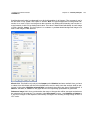
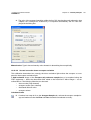
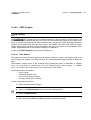
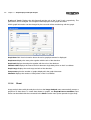
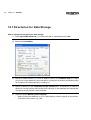
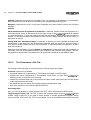
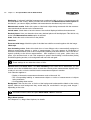
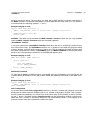
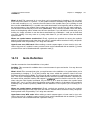
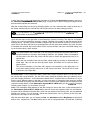
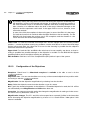
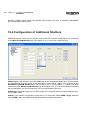
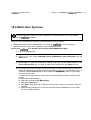
None. A newly taken snapshot will always be placed into the active buffer in the Image Manager
overwriting the any image currently being place there.
Image buffers (All). A newly taken snapshot will always be placed into the next buffer in the Image
Manager overwriting the any image currently being place there.
Image buffers (Circular Switch). A newly taken snapshot will always be placed into the next free
buffer in the Image Manager unless all buffers are occupied. In that case the last one to filed will
overwritten again and again.
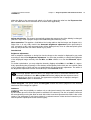
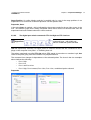
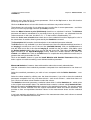
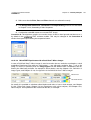
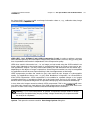
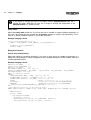
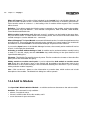
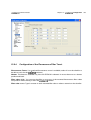
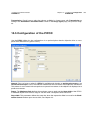
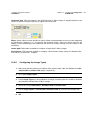
Prefix for images. This setting applies to the standard names
provides when you acquire an image using the Acquire
Snapshot command. Enter the prefix of an image name into
the Prefix for images field. A prefix consists of up to 8 characters of upper- or lowercase letters,
numbers or special symbols. Each new image you acquire will then be given automatically this
prefix. The default is Tv.
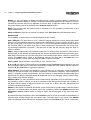
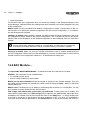
Incremental number. This setting applies to the standard names
provides when you
acquire an image using the Acquire
Snapshot command. In the Incremental number list, select
the number to be given to the next snapshot to be acquired. Each successive image’s number is
raised by 1. This value is a whole number with a maximum of eight digits. The lowest value available is 1. This number will automatically be reset to 1 every time you start up.
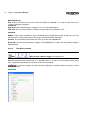
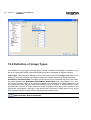
Confirm operations
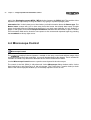
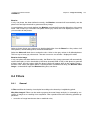
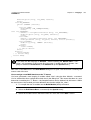
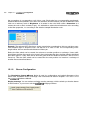
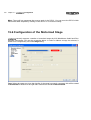
Drag & Drop. Decide whether you wish or not to receive a query message when you Copy image
or Delete image in the image manager using drag & drop. To select these options set the tick
marks in the respective small boxes. These queries apply only to the dragging & dropping of images. You will not receive a query when using the Edit
Delete Image and Edit
Copy commands.
Overlay. Decide whether you wish or not to receive a query message by selecting the check box
Delete overlay. If you select Burn overlay the overlays will be saved together with the image, thus
it will change the image data.
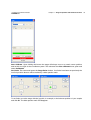
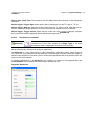
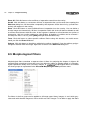
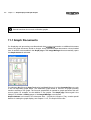
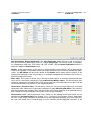
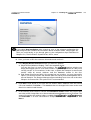
Image Manager tabs
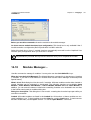
Select here whether the Image Manager should list all loaded images as a list with name entries,
as thumbnail gallery or both.
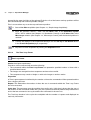
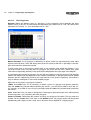
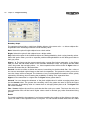
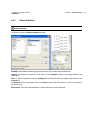
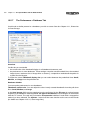
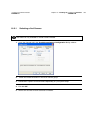
13.5.2
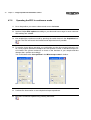
The Preferences
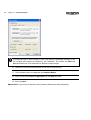
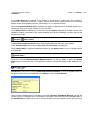
View Tab
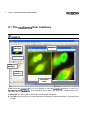
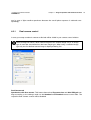
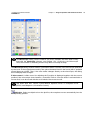
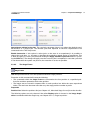
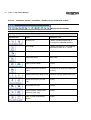
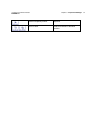
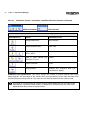
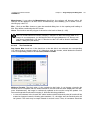
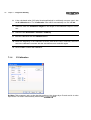
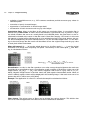
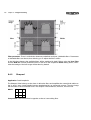
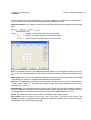
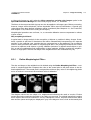
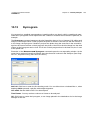
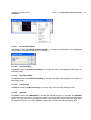
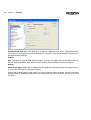
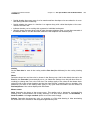
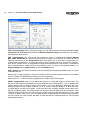
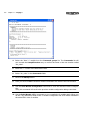
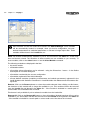
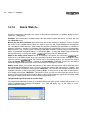
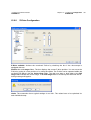
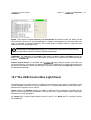
The settings of this tab apply to the
Overview
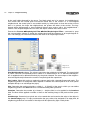
• Choose the font size for
Graphical User Interface.
image overlays and sheets in this tab.