1
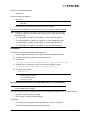
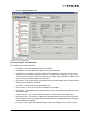
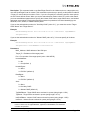
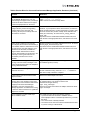
TargetMapping
Supported by: Windows, Solaris, Linux and VMware ESX
Syntax:
hbacmd TargetMapping <WWPN>
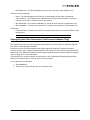
Note: For managing ESX/ESXi hosts from a Windows client, add the m=cim option to
the command. The default CIM credentials must be set using the SetCimCred
command. See “SetCimCred” on page 250.
Description: This command shows a list of mapped targets and the LUNs for the port.
Parameters:
WWPN - Adapter’s WWPN
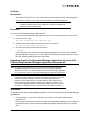
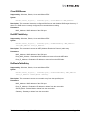
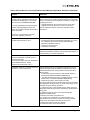
Version
Supported by: Windows, Solaris, Linux and VMware ESX
Syntax:
hbacmd Version
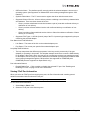
Description: This command shows the current version of the OneCommand Manager CLI Client.
Parameters: None
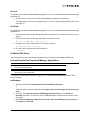
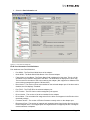
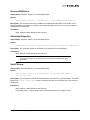
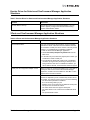
Persistent Binding Commands
Note: Supported for FC/FCoE ports only.
Note: Not supported on Linux, Solaris or VMware ESX;
PersistentBinding, SetPersistentBinding, RemovePersistentBinding, Remove All
Persistent Binding, BindingCapabilities, BindingSupport and SetBindingSupport.
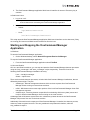
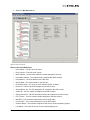
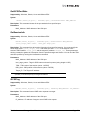
Note: In order for a binding to take effect immediately (SetPersistentBinding
parameter, Scope = I or B), the SCSIBus and SCSITarget must match the SCSI bus
and SCSI target to which the FC target is already automapped. If automapping is
disabled, the binding takes effect immediately if the FC target is not already
persistently bound, and the specified SCSIBus and SCSITarget are available to be
persistently bound. Also, the BindType must match the currently active bind type.
Otherwise, you are notified that you must reboot the system to cause the persistent
binding to become active.
The OneCommand Manager User Manual
Page 251