1
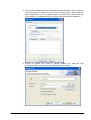
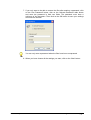
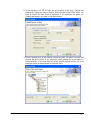
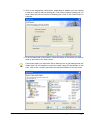
4. In the 'Target Media' area click on the drop-down list button and choose the
medium for the backup. For security reasons you should back the files up to a
CD or DVD which can then be stored in a separate place in case your
computer should be faulty or damaged. If your target medium is a CD or DVD,
put the medium in the recorder.
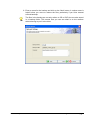
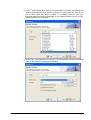
5. As the job in the example is a new job, it is not possible to select the backup
type, as the first one is always a full backup.
Nero BackItUp
Working with Nero BackItUp • 21