1
Table of Contents
Passport Writer Warranty.....................................................................................5
ERGONOMICS & COMFORT...........................................................................6
Features of your new Passport..............................................................................7
Chapter 1- Unpacking and Setting Up Your Passport..........................................9
Contents of the Passport package.........................................................................9
Setting up..............................................................................................................9
Note: Power Cord attachment..............................................................................9
Key pads...............................................................................................................9
The Passport's Connections................................................................................10
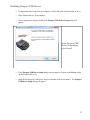
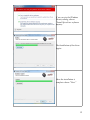
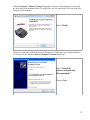
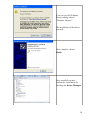
Installing Passport USB Drivers.....................................................................11
Charging the Batteries:...................................................................................15
Turning the Writer On and Off:..........................................................................16
Chapter 2 - Getting Started.................................................................................17
Starting a Job......................................................................................................17
Using the Passport Menu System.......................................................................18
Adjusting the Passport for your writing style.....................................................19
Adjusting the Writer's Key Stroke Depth and Tension..................................20
Five-minute keyboard registration point adjustment:....................................21
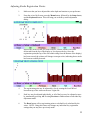
Adjusting Stroke Registration Points: ...........................................................22
Key Adjustment using the Baseline function.................................................23
WHEN A SINGLE KEY IS OUT OF ADJUSTMENT.............................24
WHEN MANY OF YOUR KEYS ARE OUT OF ADJUSTMENT.........25
SHADOW TRACKING.................................................................................26
STENOVISION™ .........................................................................................27
Setting the Anti-stacking overlap percentage.............................................27
Output Settings...................................................................................................28
Setting up Bluetooth output:...........................................................................29
Viewing the Translation.....................................................................................30
Chapter 3 - Optional Settings on Your Passport................................................31
Selecting optional colors................................................................................32
Adjusting Font Sizes:.....................................................................................34
The Show/Hide Transcript option..............................................................34
Adjusting Display Brightness and Contrast:..................................................35
The Input Settings menu.................................................................................36
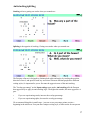
Anti-stacking/splitting................................................................................37
The Menu/Setup/System sub-menu....................................................................39
Setting the Date and Time:.............................................................................39
Chapter 4 - Using Dictionaries With the Passport..............................................41
Creating a Dictionary on the Passport........................................................41
3