1
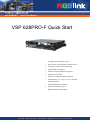
VSP 628PRO-F
Quick Start Manual
Seite 19
Note
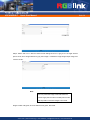
Users can freely switch the icons in title bar to set
relevant functions, following will introduce the
relevant settings.
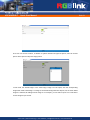
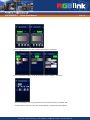
Step 3: Select "Input" icon in title bar, user can click the signal source that need, VSP 628PRO will
automatically update input signal source.
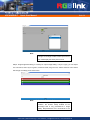
Step 4: Select "Image" icon in title bar to scale the image, user can modify digital setting parameters
and image size and position easily through "-+" icon. Click "Set" after modify the digital, VSP 628PRO
image will display the latest Settings.
vision tools | 22041 Hamburg | T 040-209864-0 | mail@visiontools.de | www.visiontools.de