1
Mediant 800 MSBG
2.
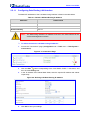
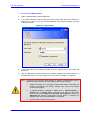
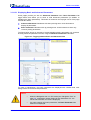
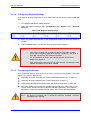
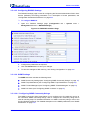
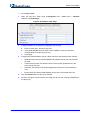
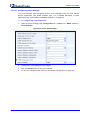
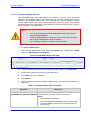
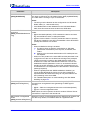
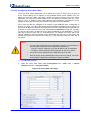
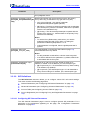
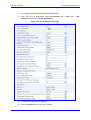
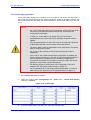
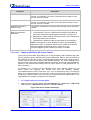
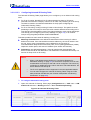
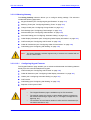
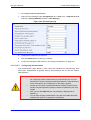
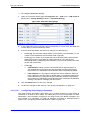
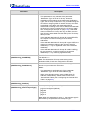
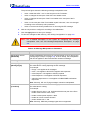
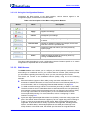
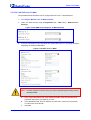
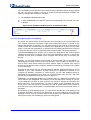
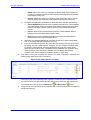
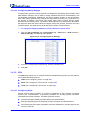
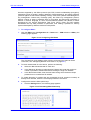
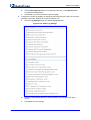
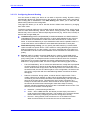
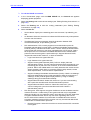
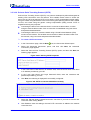
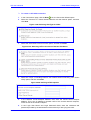
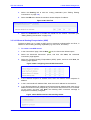
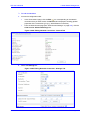
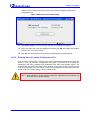
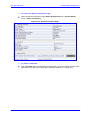
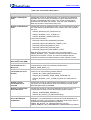
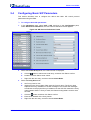
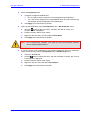
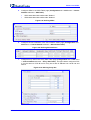
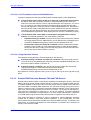
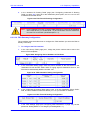
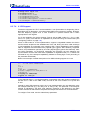
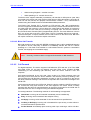
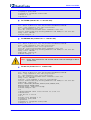
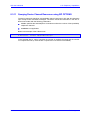
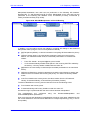
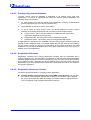
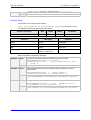
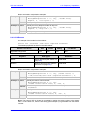
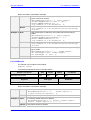
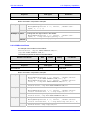
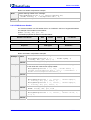
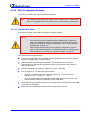
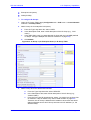
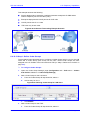
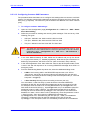
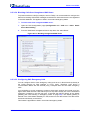
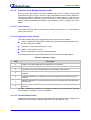
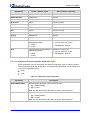
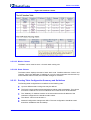
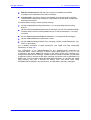
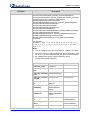
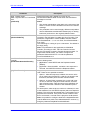
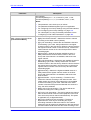
Disable use of user=phone in SIP URL:
a.
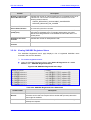
Open the 'SIP General Parameters' page (Configuration tab > VoIP menu > SIP
Definitions submenu > General Parameters).
b.
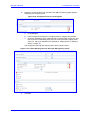
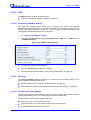
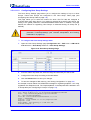
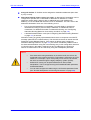
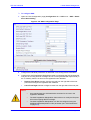
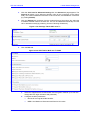
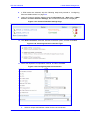
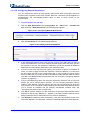
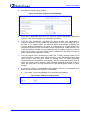
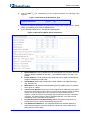
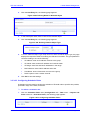
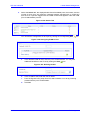
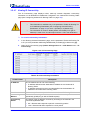
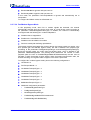
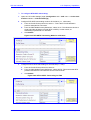
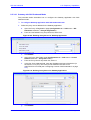
From the 'Use user=phone in SIP URL' drop-down list, select 'No'. This instructs
the Gateway application to not use user=phone in the SIP URL and therefore,
REGISTER and INVITE messages use SIP URI. (By default, REGISTER
messages are sent with sip uri and INVITE messages with tel uri.)
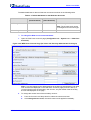
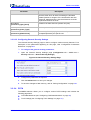
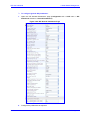
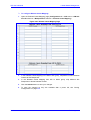
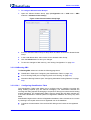
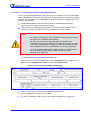
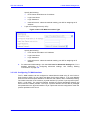
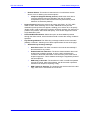
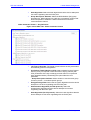
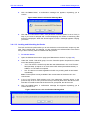
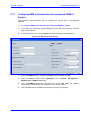
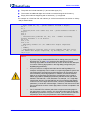
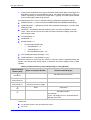
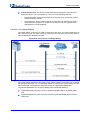
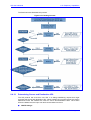
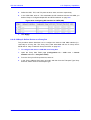
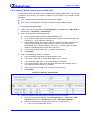
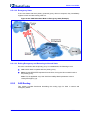
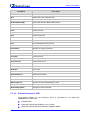
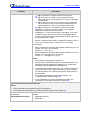
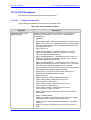
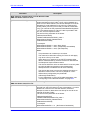
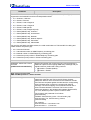
Figure 8-111: Disabling user=phone in SIP URL
c.
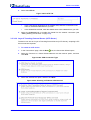
Click Submit.
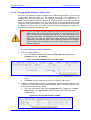
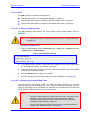
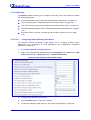
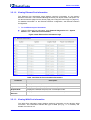
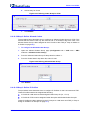
8.5.3.4.2 Gateway with SAS Redundant Mode
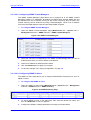
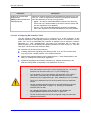
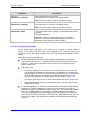
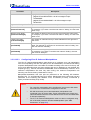
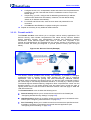
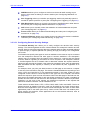
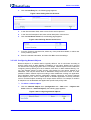
The procedure below describes how to configure the Gateway application with SAS
redundant mode.
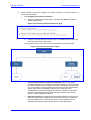
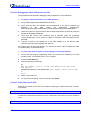
¾ To configure Gateway application with SAS redundant mode:
1.
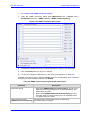
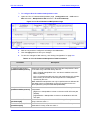
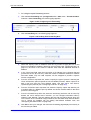
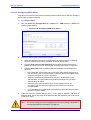
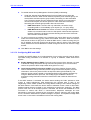
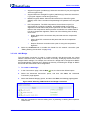
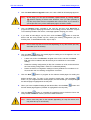
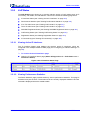
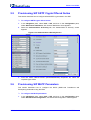
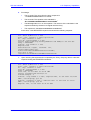
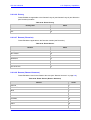
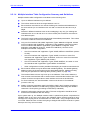
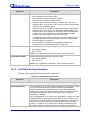
Define the proxy servers for the Gateway application:
a.
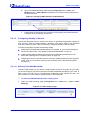
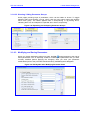
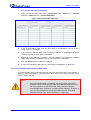
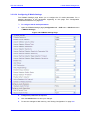
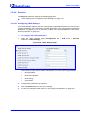
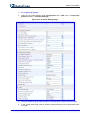
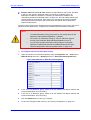
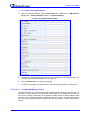
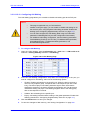
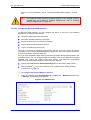
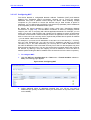
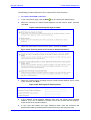
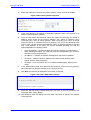
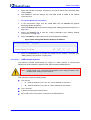
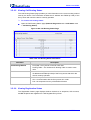
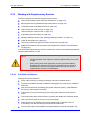
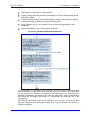
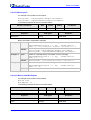
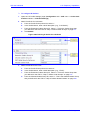
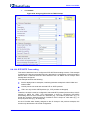
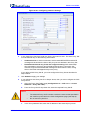
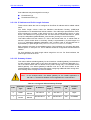
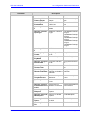
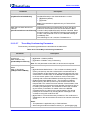
Open the 'Proxy & Registration' page (Configuration tab > VoIP menu > SIP
Definitions submenu > Proxy & Registration).
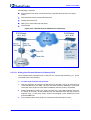
b.
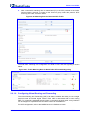
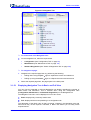
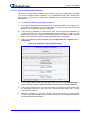
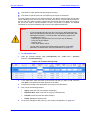
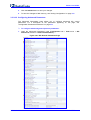
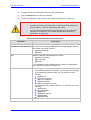
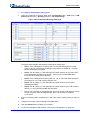
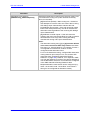
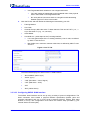
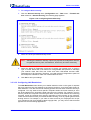
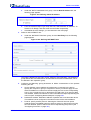
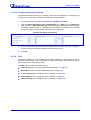
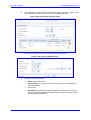
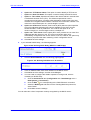
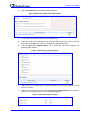
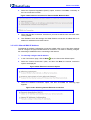
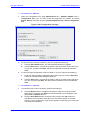
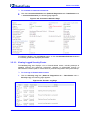
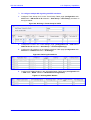
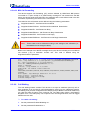
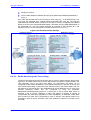
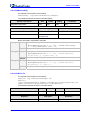
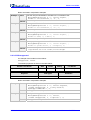
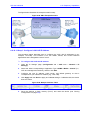
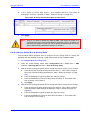
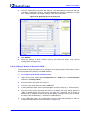
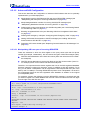
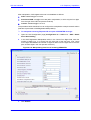
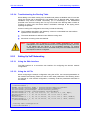
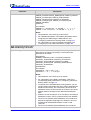
From the 'Use Default Proxy' drop-down list, select 'Yes'.
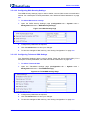
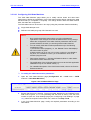
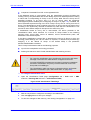
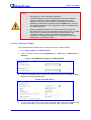
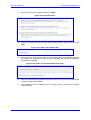
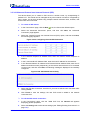
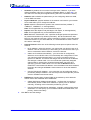
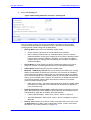
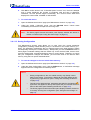
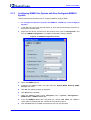
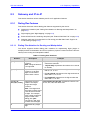
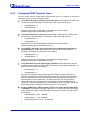
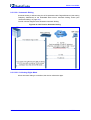
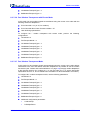
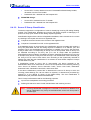
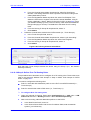
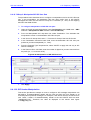
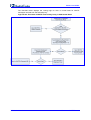
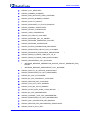
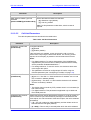
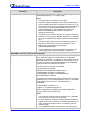
Figure 8-112: Enabling Proxy Server for Gateway Application
c.
Click Submit.
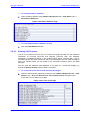
d.
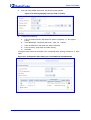
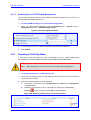
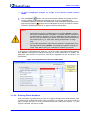
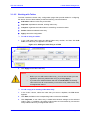
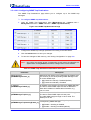
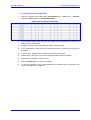
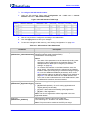
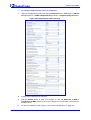
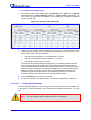
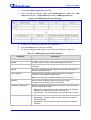
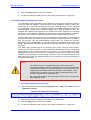
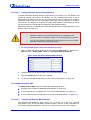
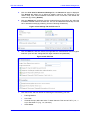
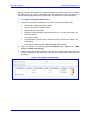
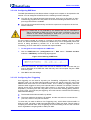
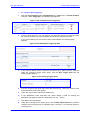
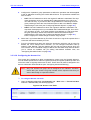
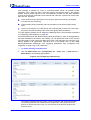
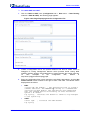
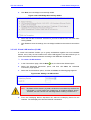
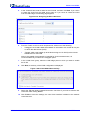
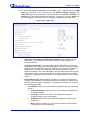
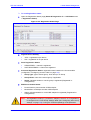
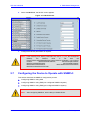
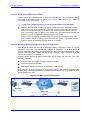
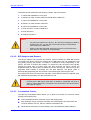
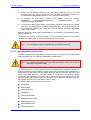
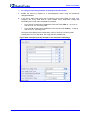
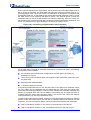
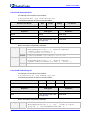
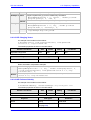
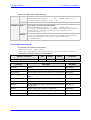
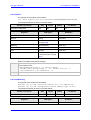
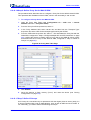
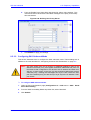
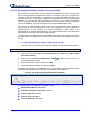
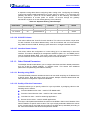
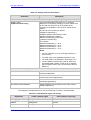
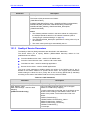
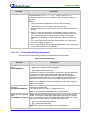
Open the 'Proxy Sets Table' page (Configuration tab > VoIP menu > Control
Network submenu > Proxy Sets Table).
SIP User's Manual
596
Document #: LTRT-12804