1
Chapter 18 Virtual Private Networks (VPN)
443
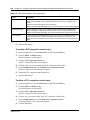
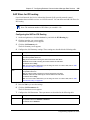
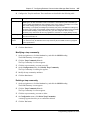
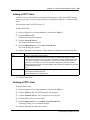
Modifying an IPSec Tunnel
1
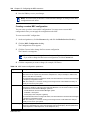
On the navigation tree, click the Services key and click the VPN key.
2
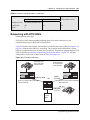
Click the IPSec key and click the tunnel you want to modify.
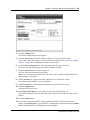
The Tunnel Parameters screen appears.
3
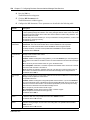
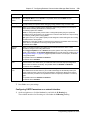
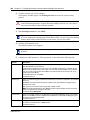
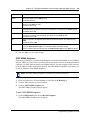
Change the required IPSec Tunnel settings.
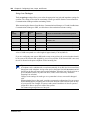
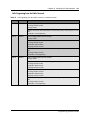
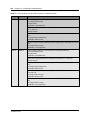
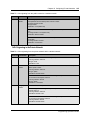
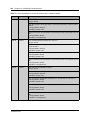
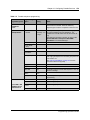
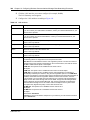
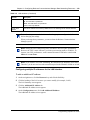
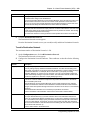
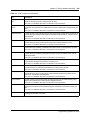
For information about the settings refer to the table in the section “Adding an IPSec Tunnel”
on page 440.
4
Click the Tab key to save your changes.
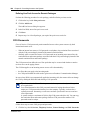
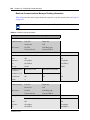
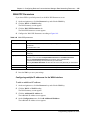
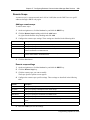
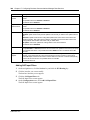
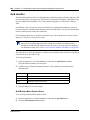
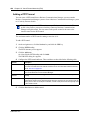
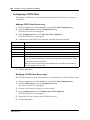
Modifying Local Accessible Networks to the IPSec tunnel
1
On the navigation tree, click the Services key and click the VPN key.
2
Click the IPSec key and click the tunnel you want to modify.
The Tunnel Parameters screen appears.
3
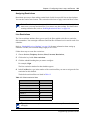
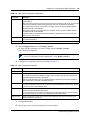
Click the Local Accessible Networks tab.
The Local Accessible Networks screen appears.
4
Click the Local Accessible Network you want to modify.
5
On the Configuration menu, click Modify Local Accessible Network.
6
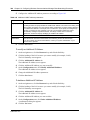
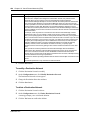
Modify the Local Accessible Network parameters.
7
Click the Save button.
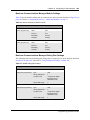
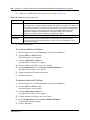
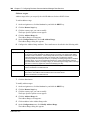
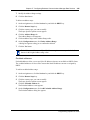
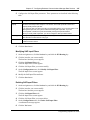
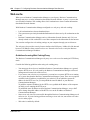
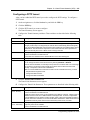
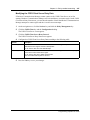
Modifying Remote Accessible Networks to the IPSec tunnel
1
On the navigation tree, click the Services key and click the VPN key.
2
Click the IPSec key and click the tunnel you want to modify.
The Tunnel Parameters screen appears.
3
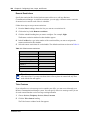
Click the Remote Accessible Networks tab.
The Remote Accessible Networks screen appears.
4
Click the Remote Accessible Network you want to modify.
5
On the Configuration menu, click Modify Remote Accessible Network.
6
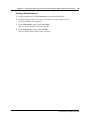
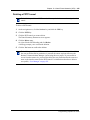
Modify the Remote Accessible Network parameters.
7
Click the Save button.
Programming Operations Guide