1
User Manual
Terminate Application Protection Management
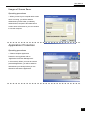
Operating procedures
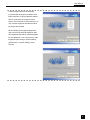
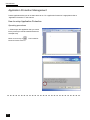
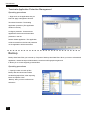
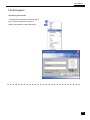
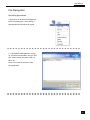
1. Right click on the application that you
intend to apply management function.
Terminate Protection: Terminating
application protection (The application
remains in the list)
Configure protection: Protects those
applications that have terminated their
protection in the list.
Delete: Delete application. The application
will be removed from the list and protection
on the application will be terminated.
Backup
Backup User Data Files you have set up. Purpose of backup User Data Files: When you have to reinstall this
application, restore backups will eliminate the need to enroll fingerprints again and
it allows you to access originally protected files.
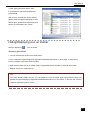
Operating procedures
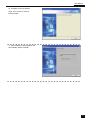
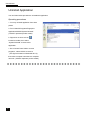
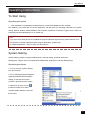
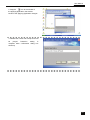
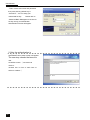
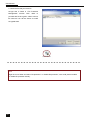
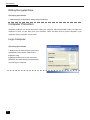
1. Specify location to back up files.
Backup files should at least include
enrolled fingerprint files, other exporting
items are optional. Click
“Backup” after you have confirmed on
selections.
21