1
Descriptions
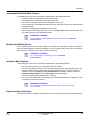
Shutting Down a Panel (Ademco)
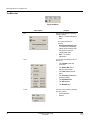
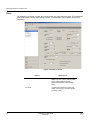
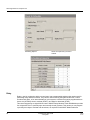
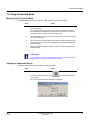
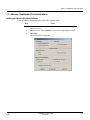
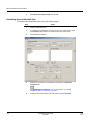
To shut down an Ademco panel, perform the following steps:
Step
Action
1
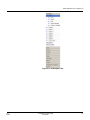
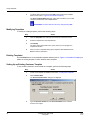
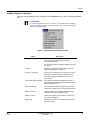
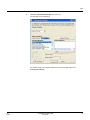
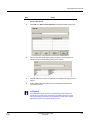
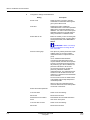
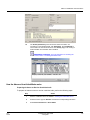
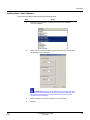
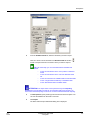
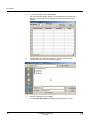
Select the required shutdown command from the list of four shutdown
commands available.
2
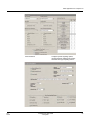
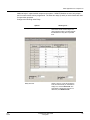
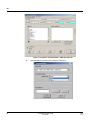
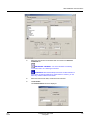
Double-click the command or click the green arrow below the commands list.
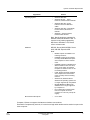
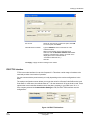
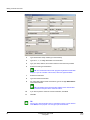
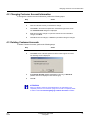
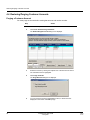
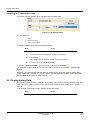
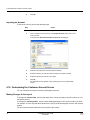
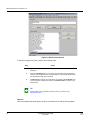
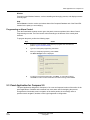
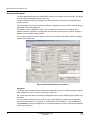
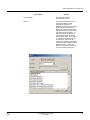
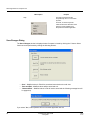
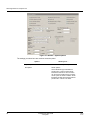
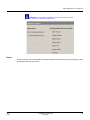
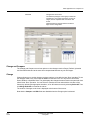
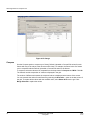
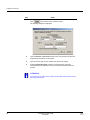
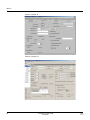
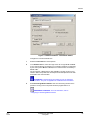
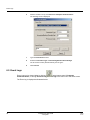
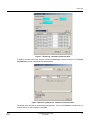
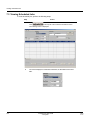
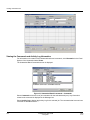
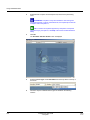
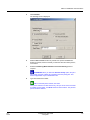
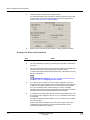
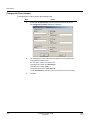
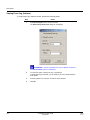
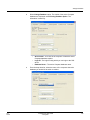
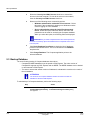
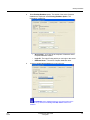
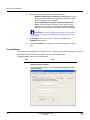
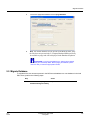
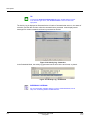
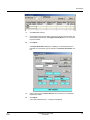
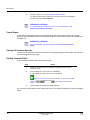
The following screen is displayed:
ATTENTION: Although you have selected four commands, only three
are shown here. This is because the third one is Shutdown SystemOff. After
this command is executed, the panel gets disconnected and we cannot
execute any more commands
R2.0
07/10
3
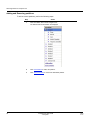
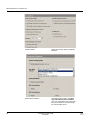
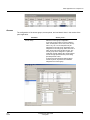
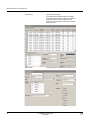
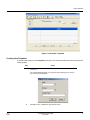
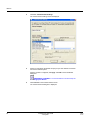
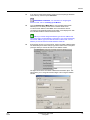
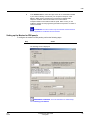
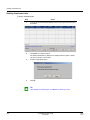
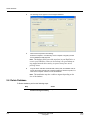
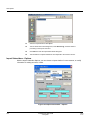
Select the partition for which the operation is to be performed.
4
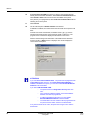
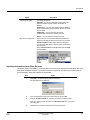
Click Ok.
Compass 2.0 User Guide
Honeywell
135