1
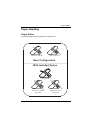
Paper Handling
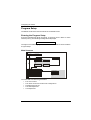
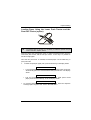
Loading Paper Using the Upper Tractor
To load paper in this way, it is necessary to install the upper tractor. See before
"Upper Push Tractor Installation" section.
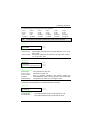
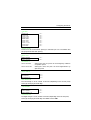
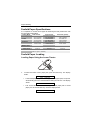
1. To select the upper tractor paper path, press the PATH key. The display
shows:
•
PATH CHANGING
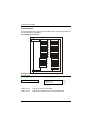
If fanfold paper is present in the lower tractor paper path, the printer
automatically parks this fanfold before loading the new one. The display
shows:
•
PARK: SURE?
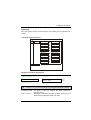
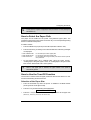
Tear off the fanfold loaded from the lower tractor paper path to avoid paper
jams. Press PARK. Then the display shows:
2.
LOAD UPPER PUSH
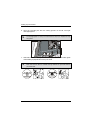
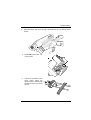
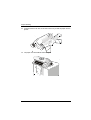
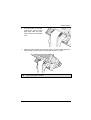
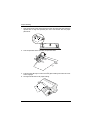
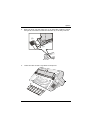
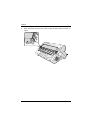
Open the tractor area cover turning is upwards and lay it on the top of the
printer.
A78408455-002
53