1
Chapter 4
Inspecting for Multiple Correct Instances of an Object
8.
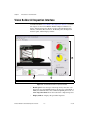
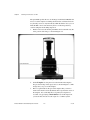
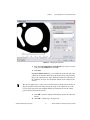
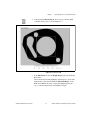
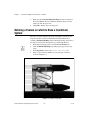
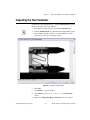
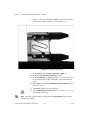
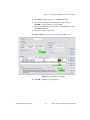
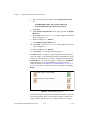
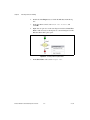
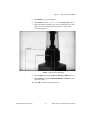
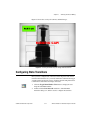
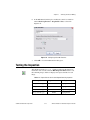
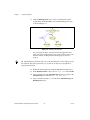
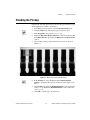
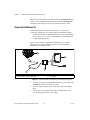
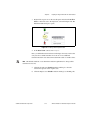
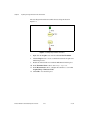
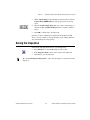
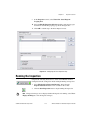
Redraw or decrease the default green ROI so that it surrounds an area
slightly larger than the template, as shown in Figure 4-4.
Figure 4-4. Limiting the Search Region
9.
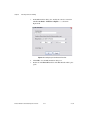
In the Settings tab, set Number of Matches to Find to 1.
10. Enable the Search for Rotated Patterns control.
11. Set the Angle Range +/– (degrees) control to 10 to enable the step to
locate the best match possible within ±10° of the learned template
angle.
12. In the Limits tab, enable the Minimum Number of Matches control
and set the value to 1.
13. Click OK to add the step to the inspection.
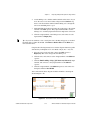
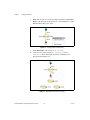
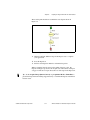
14. Click the Run Inspection Once button twice so that Image 03.jpg
becomes the active image.
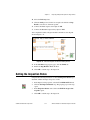
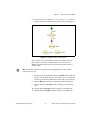
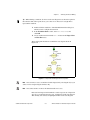
The name of the active image is displayed in the Acquire Fuse step in the State
Configuration window.
Note
NI Vision Builder for Automated Inspection Tutorial
4-6
ni.com