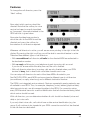
1
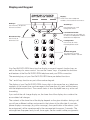
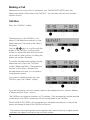
Display and Keypad
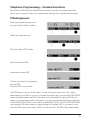
Display:
The first line shows telephone
numbers, the second text and menus.
Softkeys:
Use these keys to operate
the menu functions.
Scroll Keys:
Use these keys to scroll
through the menus.
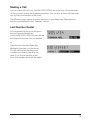
Last Number Redial:
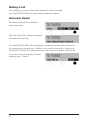
Disconnect Key:
Use this key to
terminate a call.
Using this key, you can redial any
of the last five telephone numbers
dialed from the telephone.
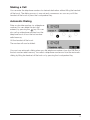
Loudspeaker:
Use this key to switch
the loudspeaker on/off.
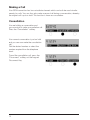
Number Keypad:
Use these keys to enter
telephone numbers and text.
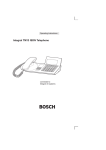
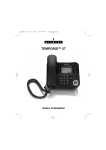
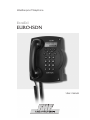
Your FernTel EURO-ISDN has a two-line display, a numeric keypad, function keys as
well as five keys for menu control. You use the “menu” keys to operate the functions
and features of the FernTel EURO-ISDN telephone and your ISDN connection.
The remaining keys of your FernTel EURO-ISDN have pre-defined functions.
The * and # keys function as part of the number keypad.
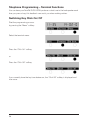
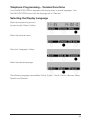
The display of your FernTel EURO-ISDN shows digits in the upper line, e.g. telephone
numbers or the current time, and messages in the lower line, e.g. texts and the menus
with the telephone functions. The current status is also displayed here, e.g. active call
forwarding.
lf you switch the call charge display on, the lower line of the display also contains the
accumulated call charges.
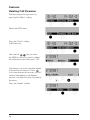
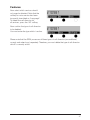
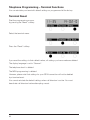
The contents of the lower line of the display depend on the given situation: during a call,
you will see a different softkey assignment to that shown in the idle state. lf your telephone displays a message ( e.g. error message ), the specification of the menus ( softkey assignment ) will be superimposed by the message text for approx. 2 seconds. The
message then disappears and you will, once again, see the current softkey assignments.