1
Operation
2. Transfer Reports function
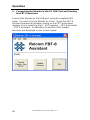
Click the Transfer Reports from FBT-6 button to transfer the
reports saved in all eight Monitor report locations to a PC via the
USB port.
NOTE: Excel must be installed and the PC must be ready to
print to generate full-featured Excel spreadsheet reports.
Otherwise, text file reports will be generated.
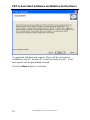
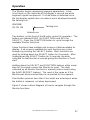
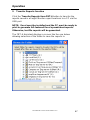
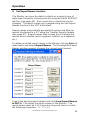
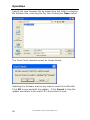
The FBT-6 Assistant displays a screen like the one below
allowing selection of the folder to save the reports in.
501-366 FBT-6-PA User Manual Rev G.0
47