1
Section 1 GETTING TO KNOW THE BASICS
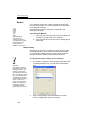
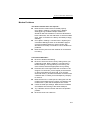
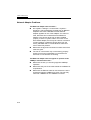
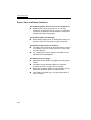
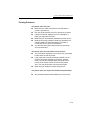
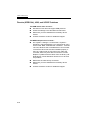
To configure the Wireless LAN function, do the following:
Go to [Start > Settings > Control Panel > Network
Connections] and right-click the Wireless Network
Connection icon and select Properties. Click Configure… and
you will see a dialogue box similar to the following.
Note:
Actual dialogue box
may be different to
what is shown here.
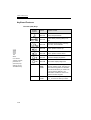
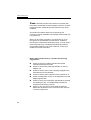
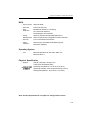
Mode:
SSID:
Tx Rate:
PS Mode:
Channel:
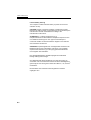
Select 802.11 AdHoc Mode
Enter the same name if two or more than two
system are to establish wireless connection.
Select Fully Automatic for transmission rate
Select Disabled
Depending on your region or location, you
may enter a specific value. For example, for
North America, you may select channel 1
through 11. Go to [Start > Programs > Country
Domain] for a list of suitable channel for a
particular region.
1-21