1
The Demon Program
The Demon-stration Program
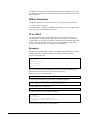
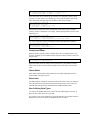
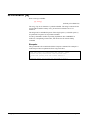
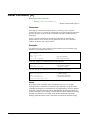
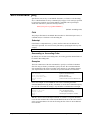
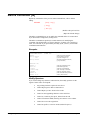
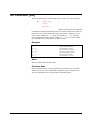
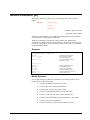
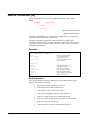
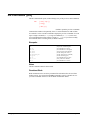
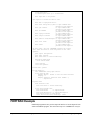
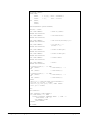
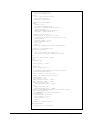
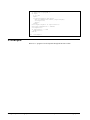
Speed Demon includes a program for demonstration and verification. This program
is called Demon.Pub.Robelle. The Demon program requests a field list to process,
and accepts all valid IMAGE field lists (except for *-list "same list"). You can use
this feature to compare the speed of DBGET to Speed Demon. There are several
ways of accessing this program.
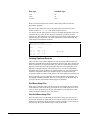
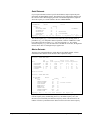
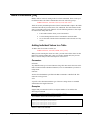
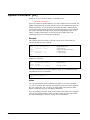
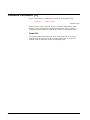
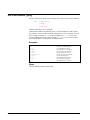
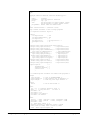
Reading with Speed Demon (Parm=0)
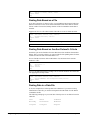
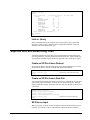
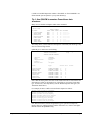
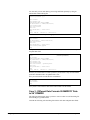
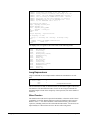
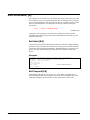
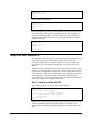
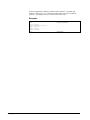
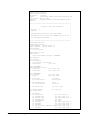
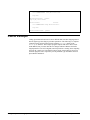
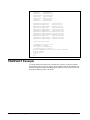
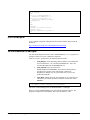
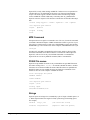
If you run the Demon program with no parm-value and no entry-point, you are
prompted for a database and a password. To terminate the program, hit Return at the
database prompt. Demon attempts to open the database with mode-5. If this
succeeds, you are prompted for a dataset name. After prompting for the dataset
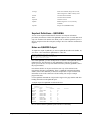
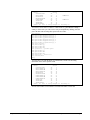
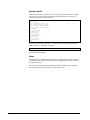
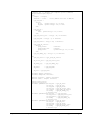
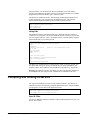
name, Demon prompts for a field list. Demon uses SPDEDBINIT to verify that the
dataset name and field list are valid and to initialize Speed Demon. Speed Demon
accepts all valid IMAGE field lists, including partial lists, except for the same list
"*". Demon then prints the entry length and buffer values returned from
SPDEDBINIT.
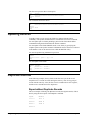
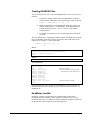
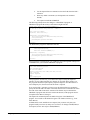
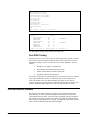
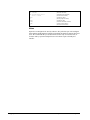
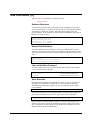
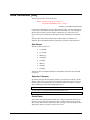
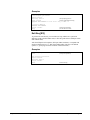
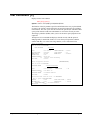
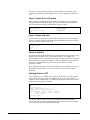
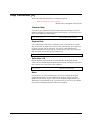
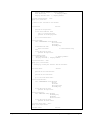
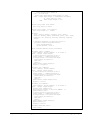
Next you will be prompted for an output file name. You may specify any valid MPE
file name, or Return for no output. The Demon program uses buffered I/O to write to
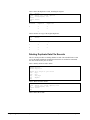
the output file. Do not compare the cpu or wall time of the Demon program with
Suprtool, because Suprtool will always be faster. After the Demon program has read
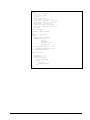
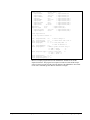
the dataset, the SPDEDBSHUT statistics are printed on $stdlist.
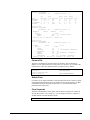
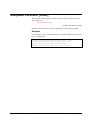
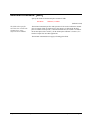
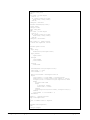
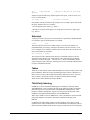
Reading with DBGET (Parm=1)
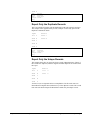
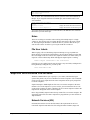
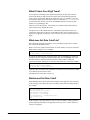
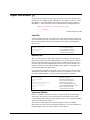
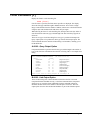
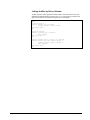
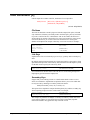
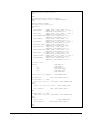
If you run the Demon program with Parm=1, you will be prompted for a database,
password, dataset, field list, and output file. The difference from Parm=0 is that the
Demon program uses DBGET mode-2 to read the dataset instead of using Speed
Demon. Use Parm=1 to compare the speed of DBGET versus that of Speed Demon.
Suprtool 4.4 for HP e3000: Speed Demon
The Demon Program • 395