1
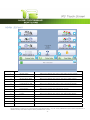
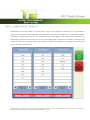
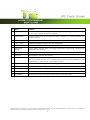
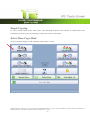
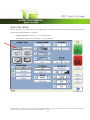
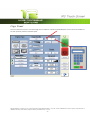
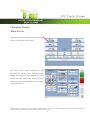
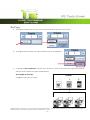
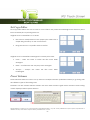
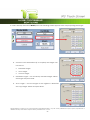
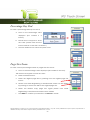
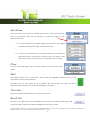
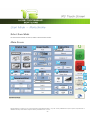
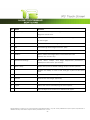
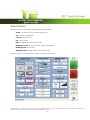
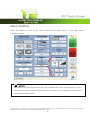
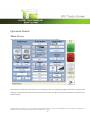
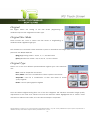
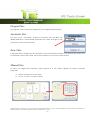
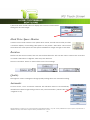
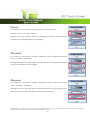
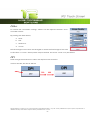
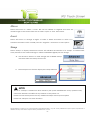
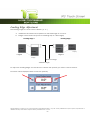
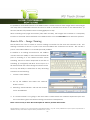
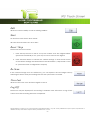
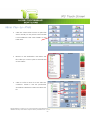
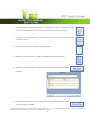
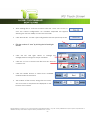
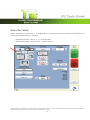
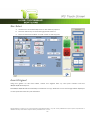
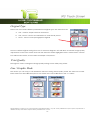
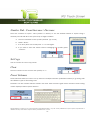
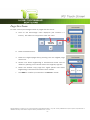
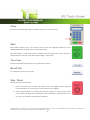
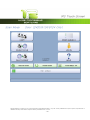
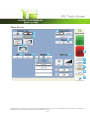
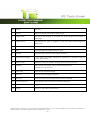
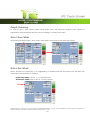
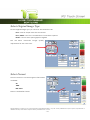
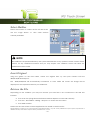
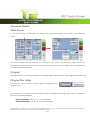
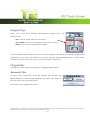
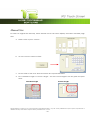
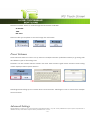
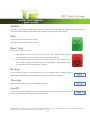
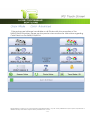
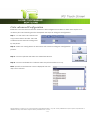
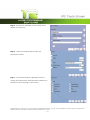
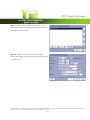
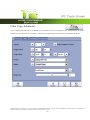
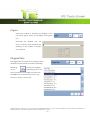
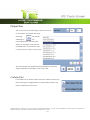
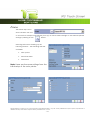
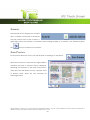
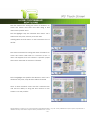
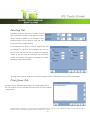
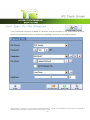
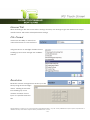
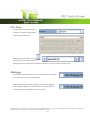
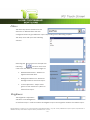
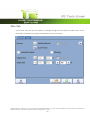
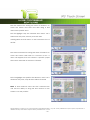
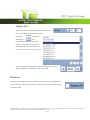
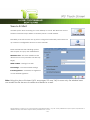
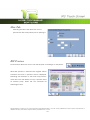
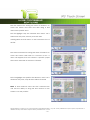
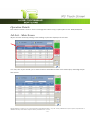
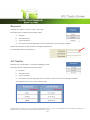
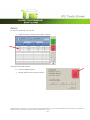
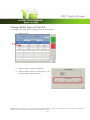
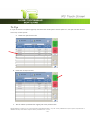
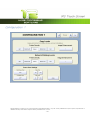
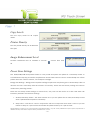
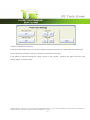
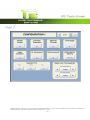
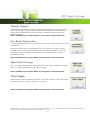
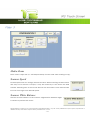
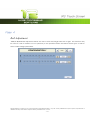
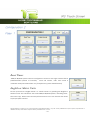
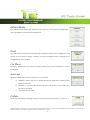
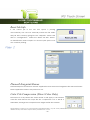
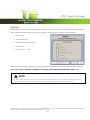
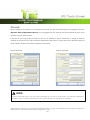
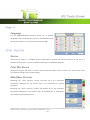
*145PVDI4DSFFO Operation Details Main Screen The main Copy Color screen is selected with the Copy Button from the main Home Screen, then use the Color button in the upper left corner to select Color Mode. The following pages detail the functions and settings of each button and sub screen that can be used to adjust the color copy mode. Original This region allows the setting of the Size Mode (Engineering or Architectural) & the original image type. Original Size Mode This button is used to select the Size Mode of Engineering or Architectural. This will allow the automatic width detection system to determine the image width when an original is placed in the 4820/9148/8148. Engineering widths = 34, 22, 17, 11, and 8.5 inches Architectural widths = 36, 30, 24, 18, 12, and 9 inches This information is solely for use of Personnel and Authorized Dealers. No part of this publication may be copied, reproduced or distributed in any form without express written permission from. 2011. - 86 -