1
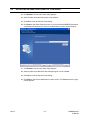
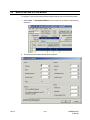
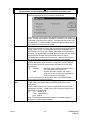
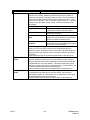
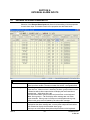
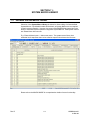
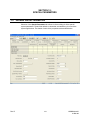
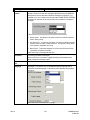
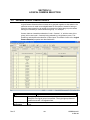
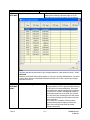
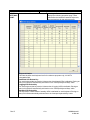
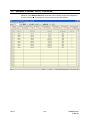
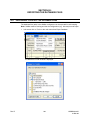
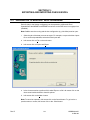
VCR Management
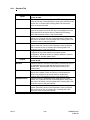
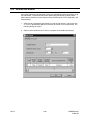
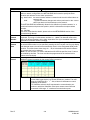
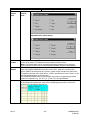
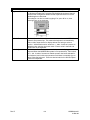
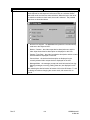
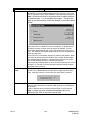
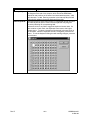
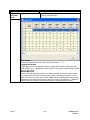
Rewind Settings
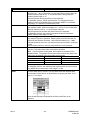
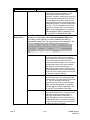
Tape Change Mode Stop/Rewind/Eject or Stop/Eject
Rewind Time
Inter-bank Delay
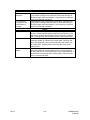
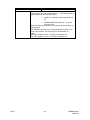
These buttons allow selection of the
Tape change mode, users can choose
whether to rewind tapes in the VCRs or
simply eject.
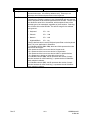
In the Stop/Rewind/Eject mode of
operation this field defines the time
period (in seconds) required to fully
rewind the tapes. Valid values are 10 –
999 seconds.
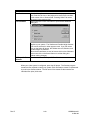
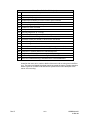
During automatic Tape change
operations this field specifies the time
period (in seconds) which should
elapse from the sensing of record
status on the current bank of VCRs to
the beginning of Tape change
operations on the next bank. Valid
values are 5 – 99 seconds.
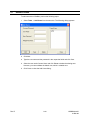
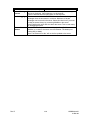
Note
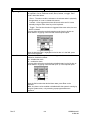
Live update is not supported for VCR Management Tab.
Rev. B
17-11
HMXMU001057
31-Mar-06