1
User Manual
G4
5
Module Recruitment
5.1 How to Create a New Position
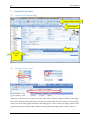
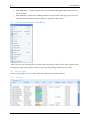
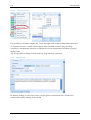
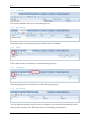
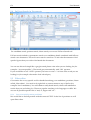
Select Position from the drop down menu of the “New” button. (Or simply click the “New”
button when the active window displays position)
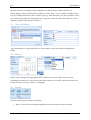
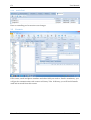
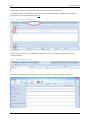
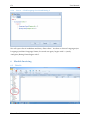
Fill out the required basic information to create the position and click on Save.
5.1.1
Basics
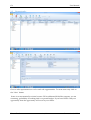
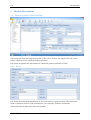
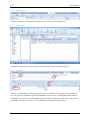
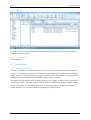
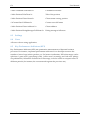
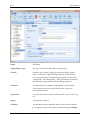
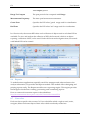
Fill out the relevant basic information as ID, status (active, urgent, closed), Title client is the
name of position, Owner – HR consultant in your company, Industry and further
information about client who offers the position.
Trinso Czech s.r.o.
20 / 40
Last review: 3.1.2014