1
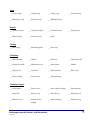
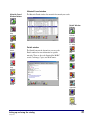
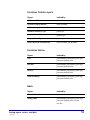
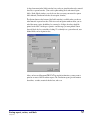
Material menu
Material menu
Buttons
Authority Control
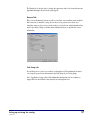
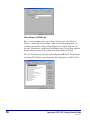
Insert MARC Text
Set Material Type
Add Holdings
Delete Holdings
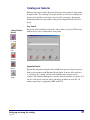
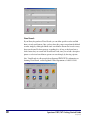
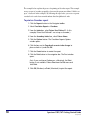
View menu
Buttons
Show Edit MARC
Show Easy Entry
Show Holdings
Show Card Image
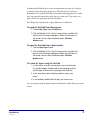
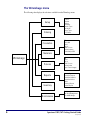
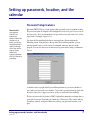
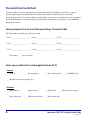
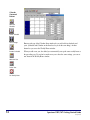
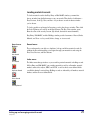
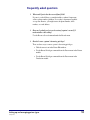
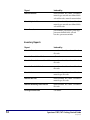
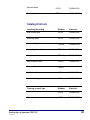
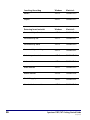
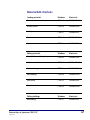
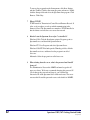
The Material menu lets you perform several library tasks. The commands available
depend on if you are in Easy Entry, Edit MARC, or the Holdings window.
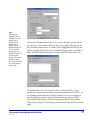
Authority Control, for example, is an important feature available in Easy Entry in the
Material menu. It provides consistency and accuracy in cataloging because it lets you
minimize spelling, capitalization, and punctuation inconsistencies in your data. The
command is only available when the cursor is placed in one of the boxes in Easy Entry.
The box it is placed in determines what Authority Control window opens—title, author,
or subject.
Easy Entry also offers the Set Next Number command. This lets you set the next material
record number to be assigned.
Edit MARC’s Material menu offers the Insert MARC Text command. As in Authority
Control, Insert MARC Text minimizes mistakes by letting you pick a valid value from a
preset list. Edit MARC also offers Set Next Number and Use Number: n, which assigns
the displayed number to the current record.
At the Holdings window, you are able to Set Material Type. This command assigns a
material type to a particular holding record. Set Next Number and Use Number: n are
also offered.
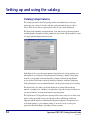
View Menu
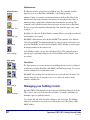
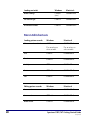
The View menu lets you view your material and holdings data in several ways. Material
records can be viewed in Easy Entry, Edit MARC, and Card Image format. You can also
view the holdings data for each material record.
Edit MARC lets you change the font and font size of records with the View menu. You
can also change the type of descriptive text you see—that is, the names of fields,
subfields, and indicators.
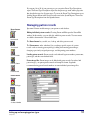
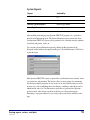
Managing your holding records
Spectrum CIRC/CAT distinguishes between materials and holdings. Materials are books,
CDs, cassettes, and so on (of the same title and author, for example) and holdings are
individual copies of a particular material.
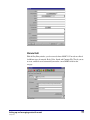
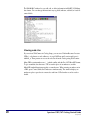
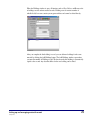
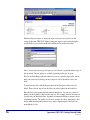
You can add, edit, and delete data in the holdings records of materials. The Holdings
window for a particular record can be accessed from that record’s Easy Entry or Edit
MARC window.
22
Spectrum CIRC/CAT Getting Started Guide
SCC5gs1200kn