1
7.2. Dollar & Cents Display Mode
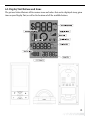
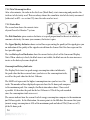
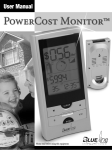
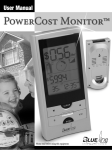
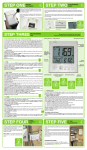
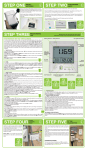
The first screen you will see once the PowerCost Monitor™ starts functioning is similar
to the one below.
Pressing the MODE button on the back of the Display Unit toggles the display between
Kilowatt mode and Dollars & Cents mode.
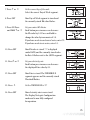
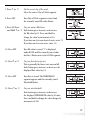
The top row shows how much electricity you are currently consuming in dollars and cents.
In this example you are currently using $1.08/hour worth of electricity.
The third row represents the total dollars worth of electricity consumed since the total
was last reset. In the example above you have used $27.09 worth of electricity since the
total was last reset.
To reset the Total Dollar value, refer to Section 7.6.
35