1
EsofLAN Door Access Control Management System
1.2
Chapter 1 – How To Start The EsofLAN Program Modules
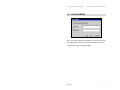
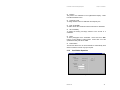
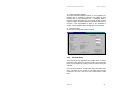
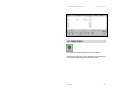
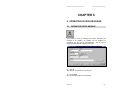
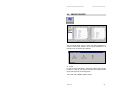
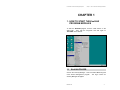
LOG IN SCREEN
Log-In Screen
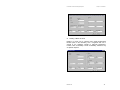
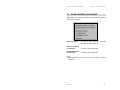
Key in your User ID Name and Password. Then, press ‘OK’ Key.
(The default name for both the User ID and Password are ‘elid’.)
* Click ‘Cancel’ button to quit the program.
Revision 1.0
2