1
CHAPTER 8 SYMBOLOGIES
Introduction
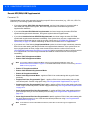
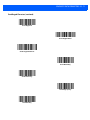
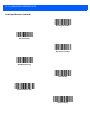
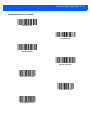
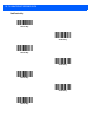
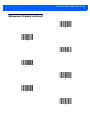
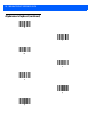
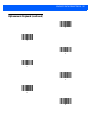
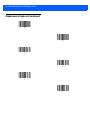
This chapter describes symbology features and provides programming bar codes for selecting these features.
Before programming, follow the instructions in Chapter 1, GETTING STARTED.
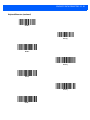
To set feature values, scan a single bar code or a short bar code sequence. The settings are stored in
non-volatile memory and are preserved even when the linear imager powers down.
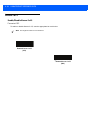
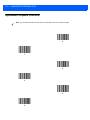
NOTE
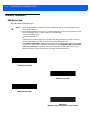
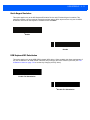
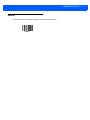
Most computer monitors allow scanning the bar codes directly on the screen. When scanning from the
screen, be sure to set the document magnification to a level where you can see the bar code clearly, and
bars and/or spaces do not merge.
Select a host type (see each host chapter for specific host information) after the power-up beeps sound. This is
only necessary upon the first power-up when connected to a new host.
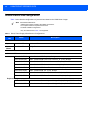
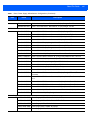
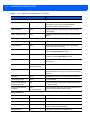
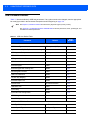
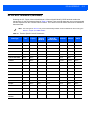
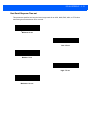
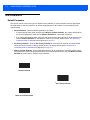
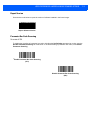
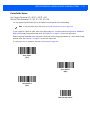
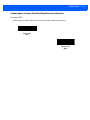
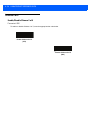
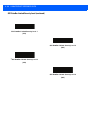
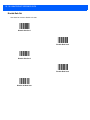
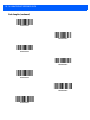
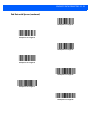
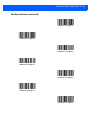
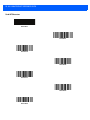
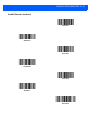
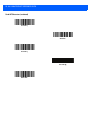
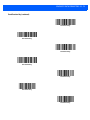
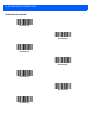
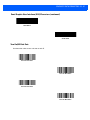
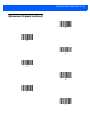
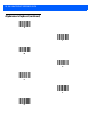
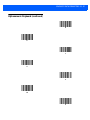
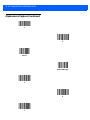
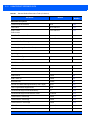
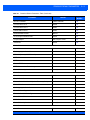
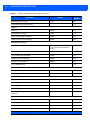
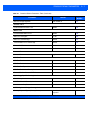
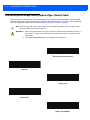
To return all features to default values, scan the Default Parameters on page 7-4. Throughout the programming
bar code menus, asterisks (*) indicate default values.
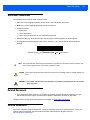
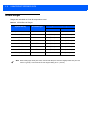
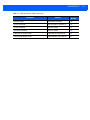
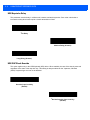
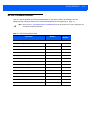
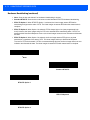
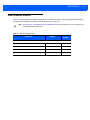
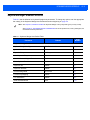
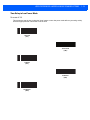
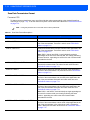
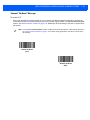
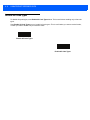
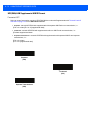
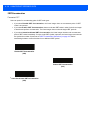
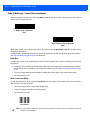
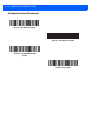
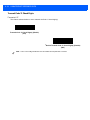
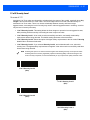
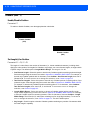
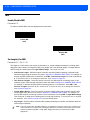
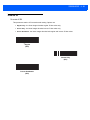
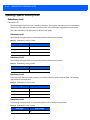
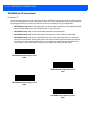
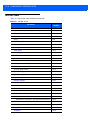
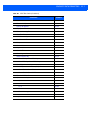
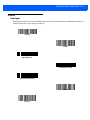
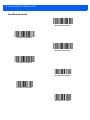
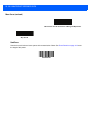
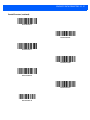
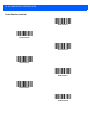
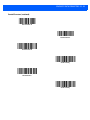
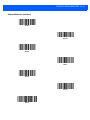
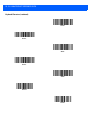
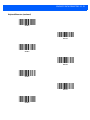
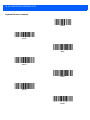
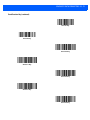
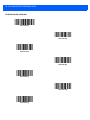
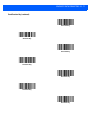
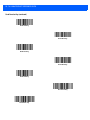
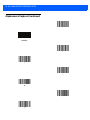
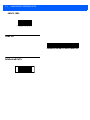
*Indicates Default
*Enable UPC-A
(01h)
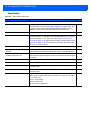
Feature/Option
Option Hex Value
Scanning Sequence Examples
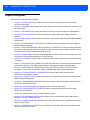
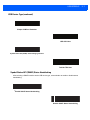
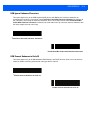
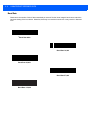
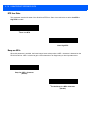
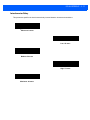
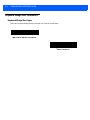
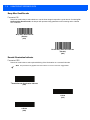
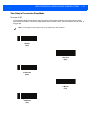
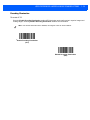
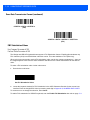
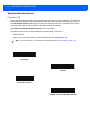
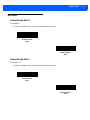
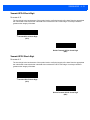
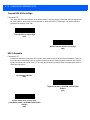
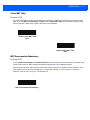
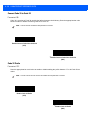
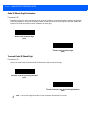
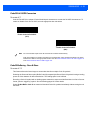
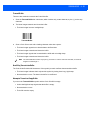
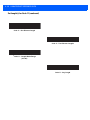
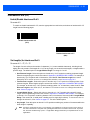
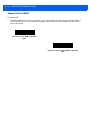
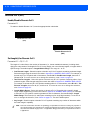
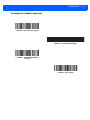
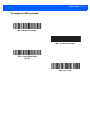
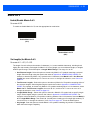
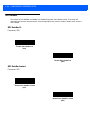
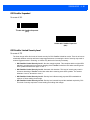
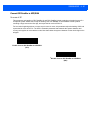
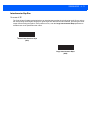
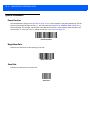
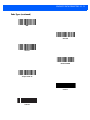
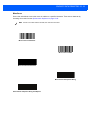
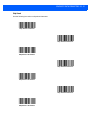
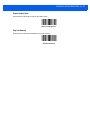
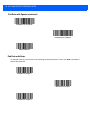
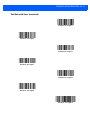
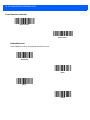
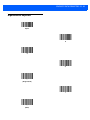
In most cases, scanning one bar code sets the parameter value. For example, to transmit bar code data
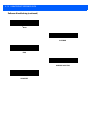
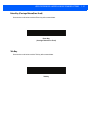
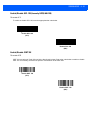
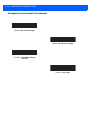
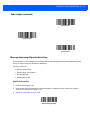
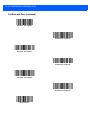
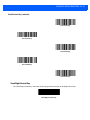
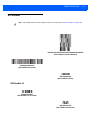
without the UPC-A check digit, simply scan the Do Not Transmit UPC-A Check Digit bar code under Transmit
UPC-A Check Digit on page 8-15. The linear imager issues a fast warble beep and the LED turns green,
signifying a successful parameter entry.
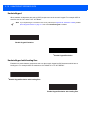
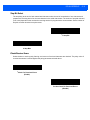
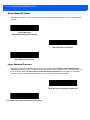
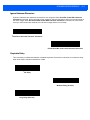
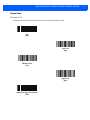
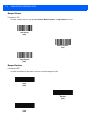
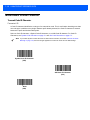
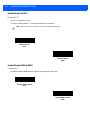
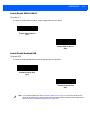
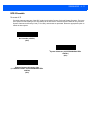
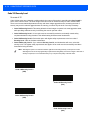
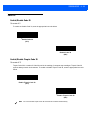
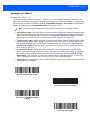
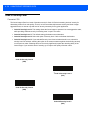
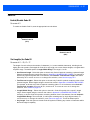
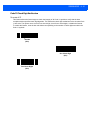
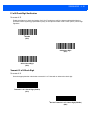
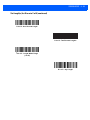
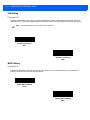
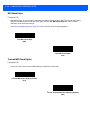
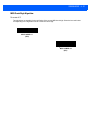
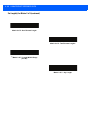
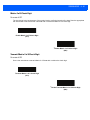
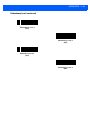
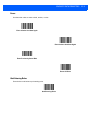
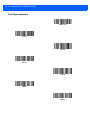
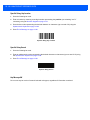
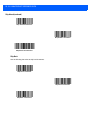
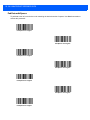
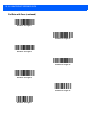
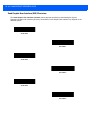
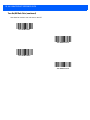
Other parameters, such as Set Length(s) for D 2 of 5 require scanning several bar codes. See the individual
parameter, such as Set Length(s) for D 2 of 5, for this procedure.