1
Software
Presentation (continued),
functions
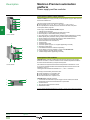
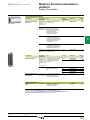
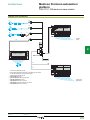
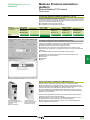
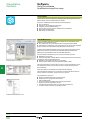
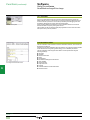
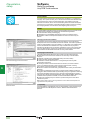
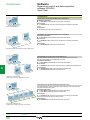
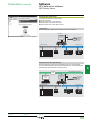
Vijeo Historian reporting software
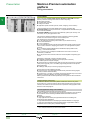
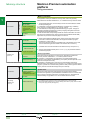
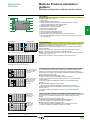
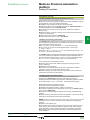
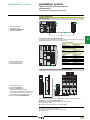
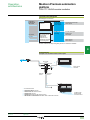
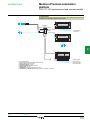
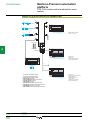
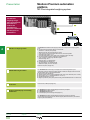
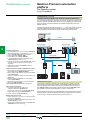
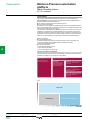
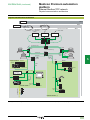
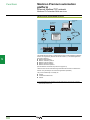
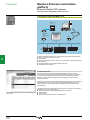
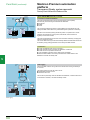
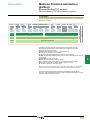
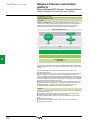
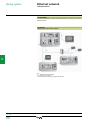
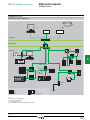
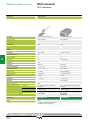
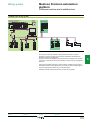
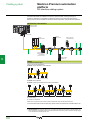
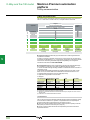
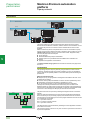
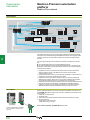
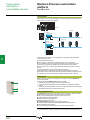
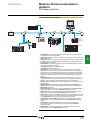
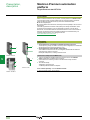
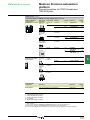
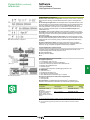
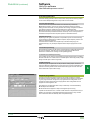
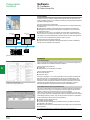
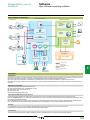
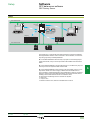
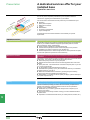
Vijeo Historian architecture
Vijeo Historian Server
Data Sources
SQL Server 2008 R2
Historian
configuration
database
1
Project backup
Vijeo Citect
2
Task/event engine
Historian
Historian
database
database
Exported data
OPC HDA
server
Historian data service
3
OPC server
Microsoft
Reporting
services
Published data
Production
data
Business
data
Reports
Historic
data
4
SCADA
system
Report deployment
management
MS SQL
Historian
Server portal
Oracle
Historian
Web
Server
(IIS)
Report templates
5
Production data
Historic data
Company database
Configuration data
Report data
Business data
Excel Client
6
Web Process
Analyst Client
Functions
Applications
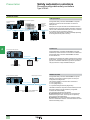
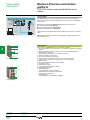
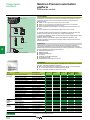
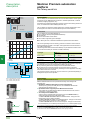
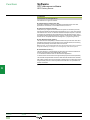
b Business managers can access meaningful, concise production system information from the plant floor in a familiar format they use for their
financial or other business reports, to help them make strategic decisions to optimize operational performance.
b Plant managers can drill down into information or problem areas to improve production efficiency or reduce spurious alarms.
b Corporate and plant personnel can quickly and easily create and access meaningful reports in a familiar format and create a single view of
operation.
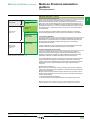
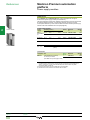
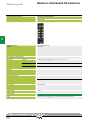
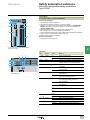
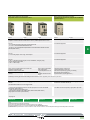
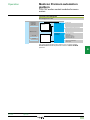
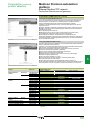
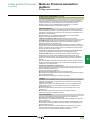
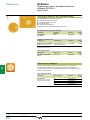
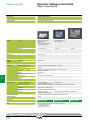
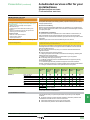
Data sources supported
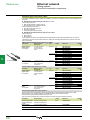
Vijeo Historian supports the following data sources:
b Vijeo Citect SCADA servers: CitectSCADA 7 or later
b OPC Clients: OPC DA V2, OPC DA V3
b Oracle V8 or later
b Microsoft SQL Server 2005 or later
7
8
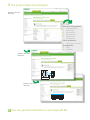
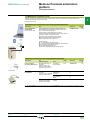
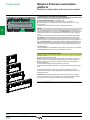
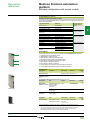
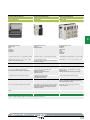
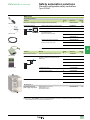
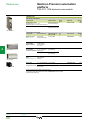
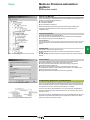
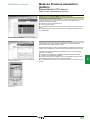
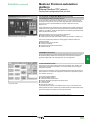
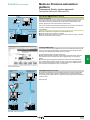
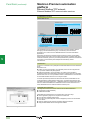
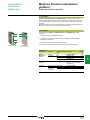
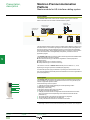
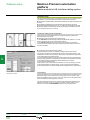
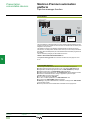
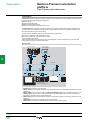
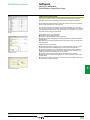
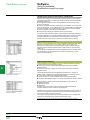
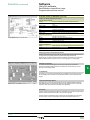
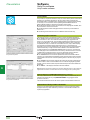
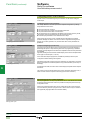
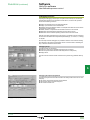
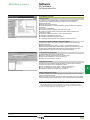
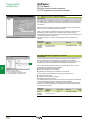
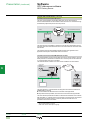
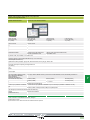
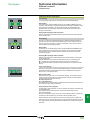
Vijeo Historian Web Client and Excel Client
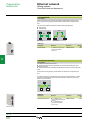
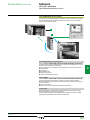
Vijeo Historian also provides two client tools to make it easier to view and manage the information issued by the Historian Server:
b Using the Web Client you can display plant information from your control systems and the historian via the Intranet/Internet simply by using
a browser such as Internet Explorer.
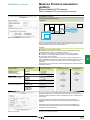
b The Excel Client can also access linked information from the SCADA system or the historian directly in Microsoft Excel. The Excel Client
user can select from the same plant hierarchy as the Web Client and request the values of any item within the tree structure.
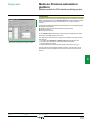
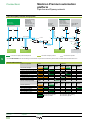
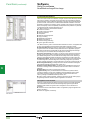
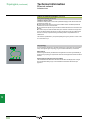
Security
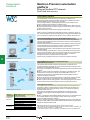
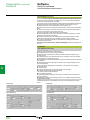
Once logged on, users can only access the published folders, data and Favourites for which they have permission.
Passwords are encrypted and user privileges are validated for data requests.
9
10
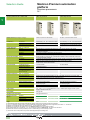
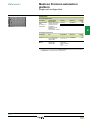
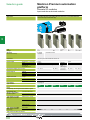
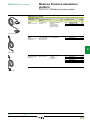
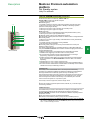
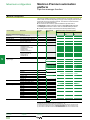
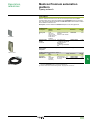
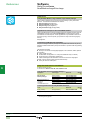
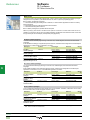
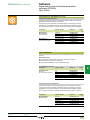
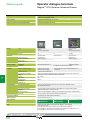
Licence keys
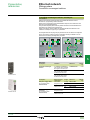
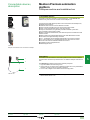
The licences are programmed on a USB or parallel key, which is plugged into the PC running the Vijeo Historian software.
6/61