1
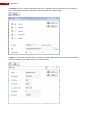
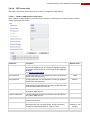
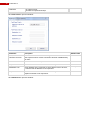
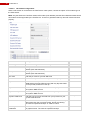
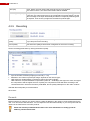
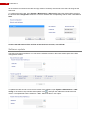
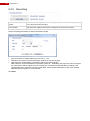
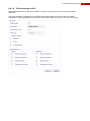
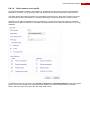
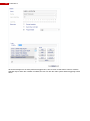
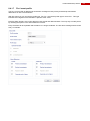
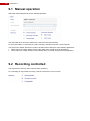
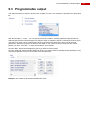
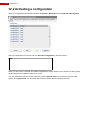
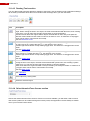
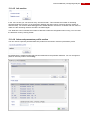
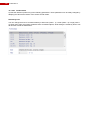
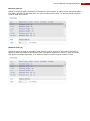
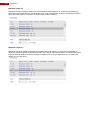
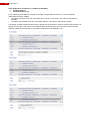
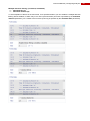
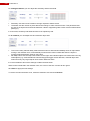
156 FastTrace 2 9.1 Manual operation Select the desired output and choose “Manual operation”. The output will thus need to be switched by a user from the client software. For more information on activating an output manually, read the FastTrace 2 Users’ Manual. You also have to define what action needs to be taken when closing the client software application: Reset output: the output always resets to idle state when closing the client application; Latch output: the output remains in the selected state, even after closing the client application. 9.2 Recording controlled This output will be used by video cameras when recording. For controlling an output while recording, read the FastTrace 2 User’s manual.