1
Technical Manual | Using analogue cameras
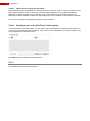
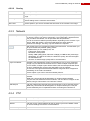
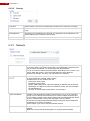
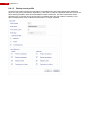
Everyone who has subscribed to the multicast, can view the live images on this
address, using a web browser or a FastTrace 2 Client.
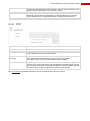
Multicast port
Enter the multicast port through which the FastTrace 2 has to send the stream.
Mind: every camera should be assigned to a unique multicast port. This port
must be defined by the IT Department before connecting the FastTrace 2.
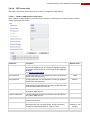
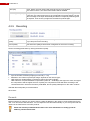
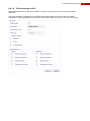
5.3.4 PTZ
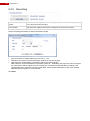
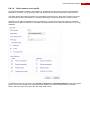
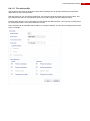
Use PTZ Control
Tick this option if you have installed a PTZ camera.
Protocol
Choose the corresponding protocol for the camera you have installed.
Address
Enter the correct camera address for the camera you have installed. Check the
camera settings to know the camera address.
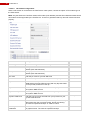
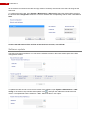
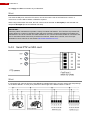
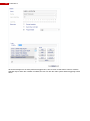
Auto-Home Expire
Time (sec)
This value indicates the time in seconds that has to be expired after every PTZ
action, before the PTZ camera will move back to its home position.
If the value is left to 0, the Auto-Home feature will be disabled.
Positioning Time (sec.)
PTZ preset positions can be selected via an input. When that input triggers the
PTZ action, the camera will move to the configured PTZ preset position, but the
alarm message of the input will be delayed until the PTZ preset positioning time
has expired. Thus no blurry images are recorded for quad images.
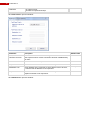
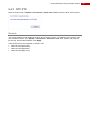
See PTZ settings for detailed information on how to install the Pan Tilt Zoom options…
97