1
56
Getting Started
Using the computer for the first time
Your computer’s features and specifications
Certain notebook chassis are designed to accommodate all
possible configurations for an entire product Series. Your
selected model may not have all the features and
specifications corresponding to all of the icons or switches
shown on the notebook chassis, unless you have selected all
those features.
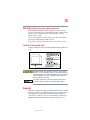
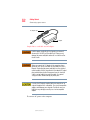
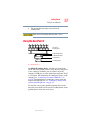
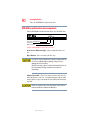
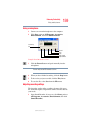
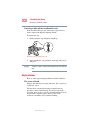
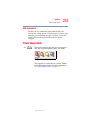
Below is an example of one of the many possible icons that
may come with your computer:
Sample system icons
This information applies to all the features and icons
described in this guide.
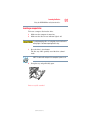
Turning on the power
To turn on the computer:
1
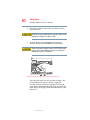
Make sure any external devices (such as the AC adapter,
if you plan to use AC power rather than battery power)
are properly connected and ready.
2
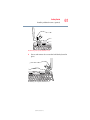
If an optional external diskette drive is connected to your
computer, check that the drive is empty.
3
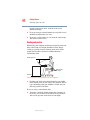
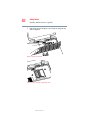
Press and hold in the power button until the on/off light
on the system indicator panel glows green—about one
second.
When you turn on the computer for the first time, do not turn
off the power again until the operating system has loaded
completely.
5.375 x 8.375 ver 2.3