1
Lab Workbook
Embedded System Design using IP Integrator
Create the System Using the IP Integrator
2-1.
Step 2
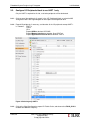
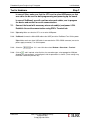
Use the IP Integrator to create a new Block Design, and generate the ARM
Cortex-A9 processor based hardware system.
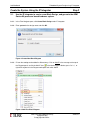
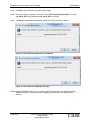
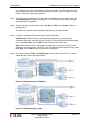
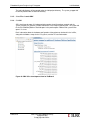
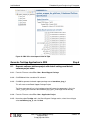
2-1-1. In the Flow Navigator pane, click Create Block Design under IP Integrator
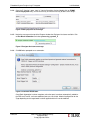
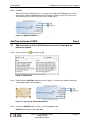
2-1-2. Enter system for the design name and click OK.
Figure 2. Create New Block Diagram
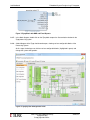
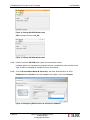
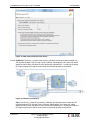
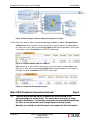
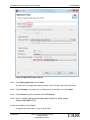
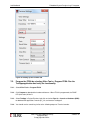
2-1-3. IP from the catalog can be added in different ways. Click on Add IP in the message at the top of
the Diagram panel, or click the Add IP icon
in the block diagram side bar, press Ctrl + I, or
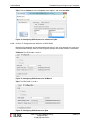
right-click anywhere in the Diagram workspace and select Add IP
Figure 3. Add IP to Block Diagram
www.xilinx.com/support/university
xup@xilinx.com
© copyright 2014 Xilinx
ZYNQ 3-3