1
5.2.5 WIFI
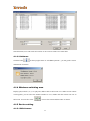
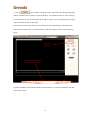
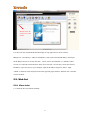
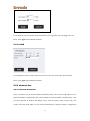
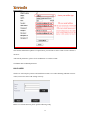
Select “Enable” and click “Scanning”, and then select wireless Router in WiFi List, enter its
password, click Save to save the wireless settings. After setting successfully, please pull out
network cable, then you can use the wireless function.
When you modify the parameters, you need to click Save to save your settings.
5.2.6 Alarm Set
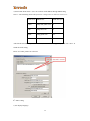
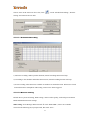
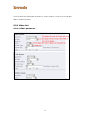
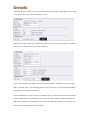
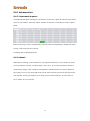
If users set to monitor certain area, when there is exception occurs in this area, it will trigger alarm,
then can select motion detection. In the item of sensitivity, the higher the sensitivity value, the
easier to trigger alarm.
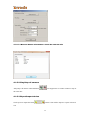
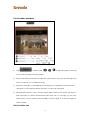
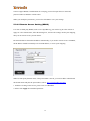
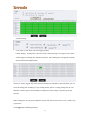
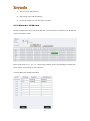
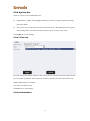
When the motion detection area is selected and applied, set the alarm mode (such as starting an
e-mail alert settings Email success) as well as selected arming time, when an exception occurs
within the selected area arming time will trigger an alarm, send pictures to corresponding mailbox.
35