1
Setting the CLOUD
service — CLOUD Menu
Supported models: SNC-VB635/VB630/VB600/
VB600B/VM630/VM600/VM600B/VM631/VM601/
VM601B/VM632R/VM602R/XM637/XM636/
XM632/CX600W/CX600
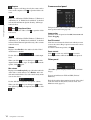
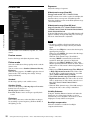
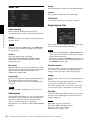
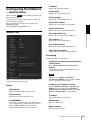
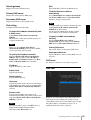
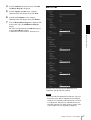
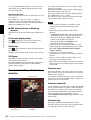
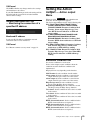
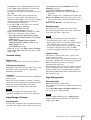
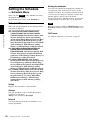
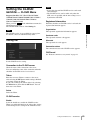
When you click CLOUD in the Administrator menu, the
CLOUD menu appears.
The CLOUD menu consists of the Setting tab.
Note
Setting Tab
• It may take time until the CLOUD service can be used
after enabling it.
• The CLOUD service can be enable only when the
NTP server is specified, and the time setting is set to
Synchronize with NTP.
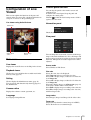
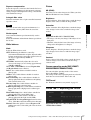
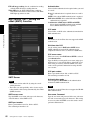
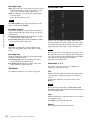
Registered information
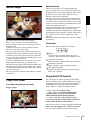
When the checkbox of CLOUD service is selected, the
registered information appears.
Organization
The registered organization information appears.
Customer code
The registered customer code appears.
Administrating the Camera
The CLOUD service is not available in some regions.
For details, contact an authorized Sony dealer.
Notes
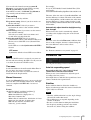
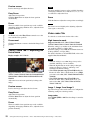
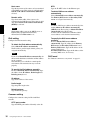
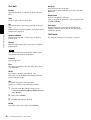
Site code
The registered site code appears.
Connection status
The connection status to the CLOUD service appears.
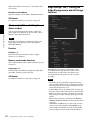
OK/Cancel
See “Buttons common to every menu” on page 21.
Set the CLOUD service setting.
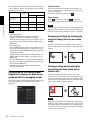
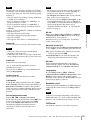
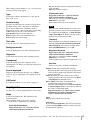
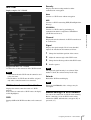
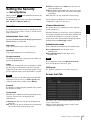
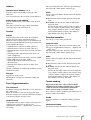
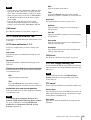
Connection to the CLOUD server
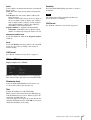
Check the status of the connection to the server.
You can confirm the status of the connection when the
checkbox of CLOUD service is not selected.
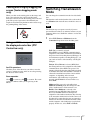
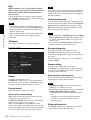
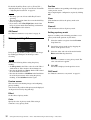
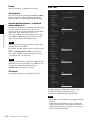
Token
Enter the necessary Token to connect to the server.
After selecting the OK button and the setting is finished,
you cannot change the Token.
If you want to change the Token, delete it by selecting
the Delete button, then click the OK button. You can
then enter a new Token.
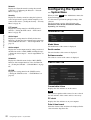
Delete
Delete the Token.
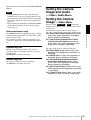
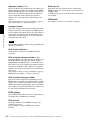
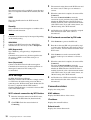
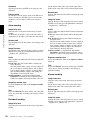
CLOUD service
Enable
Select the checkbox to enable the CLOUD service.
When you enable this function, the video codec setting
will be changed to the setting for the CLOUD service.
Setting the CLOUD service — CLOUD Menu
69