1
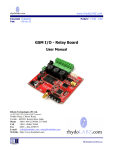
www.rhydolabz.com SOFTWARE INSTALLATION 1. Insert the CD with the software “USB Driver CDM 2.04.16” or copy the entire folder to the hard drive of your PC 2. Connect the USB side of the board to the PC using a USB cable 3. Windows will ask for the driver 4. Select the option “No, not this time” and click next. 5. Select “ Install from a Specific location” and click next 6. Click Browse and selection the folder of the software. Windows will automatically detect the driver and install. 7. Detach the board and connect again 8. If the installation is successful, the USB serial Port appears in the Device Manager Properties (My Computer PropertiesHardware Device Manager Ports) 9. If any error occurs, repeat the above procedure again. We bring the world to you..