1
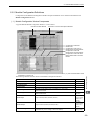
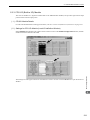
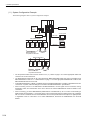
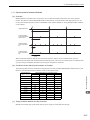
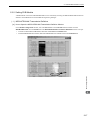
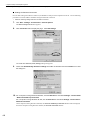
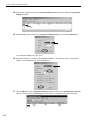
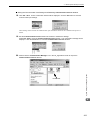
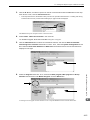
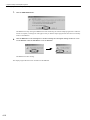
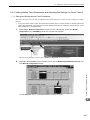
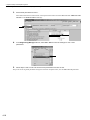
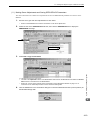
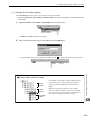
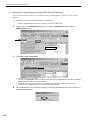
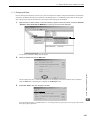
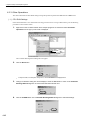
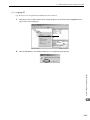
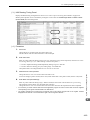
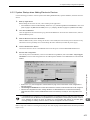
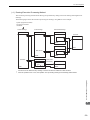
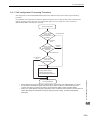
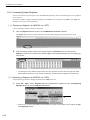
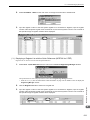
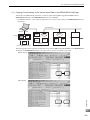
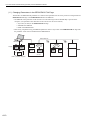
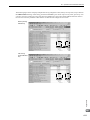
4.5 System Startup Using Self-Configuration 4.5.2 System Startup when Adding Electronic Devices Use the following procedure to start the system when adding SERVOPACKs, Optional Modules, and other electronic devices. 1. Back Up Applications. Before adding the electronic devices, create a backup of the application. For information on how to create a backup, refer to 4.2.3 ( 2 ) Transferring Data from the MP2300 to Your Computer on page 4-22 (MPE720 Ver 6.) or 4.3.2 ( 7 ) Dumping All Data on page 4-41 (MPE720 Ver 5.). 2. Turn OFF the MP2300. Once the application has been backed up, log off from the MP2300 or disconnect the communication, and turn OFF the MP2300 power. 3. Start the Electronic Device to Be Added. Make the DIP and rotary switch settings for the device to be added, then turn ON the power to that device only. Check that it starts up normally. Once normal startup has been confirmed, turn OFF the power supply. 4. Connect the Electronic Device. Connect the electronic device to the MP2300 and turn ON the power to all the MECHATROLINK slaves. 5. Execute Self-configuration. Refer to 5.4.3 ( 2 ) Self Configuration of Each Module on page 5-34 for information on self-configuration of MP2300 Modules. If Self Configure All Modules is executed when MP2300 is selected, all the modules will be self-configured. With the self-configuration function, existing definitions for SERVOPACKs are not refreshed and existing parameters are saved. However, SERVOPACKs need to be started up normally for self-configuration to be used.. If I/O addresses are changed for an existing application using MPE720 after the initial self-configuration has been executed, the I/O addresses are updated when self-configuration is subsequently executed. If SVR is set to disabled, the setting will return to enabled. It is recommended that settings are checked again, including settings for existing electronic devices, after self-configuration has been executed. System Startup and Sample Programs Turn ON the power to the MP2300, connect to the MP2300 using MPE720, then select Order - Self Configure All Modules to execute self-configuration for the added Optional Module or the SERVOPACK connected SVB Module. 4 Refer to steps 6 to 9 under 4.5.1 Starting the System for First Time on page 4-68 for details of the rest of this procedure (steps 6 to 9). 4-71