1
監錄易(監控錄影設備專門店) http://www.cam62.com
User manual
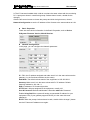
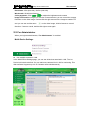
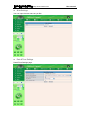
4) Set the safety property of IE in the PC when you view it first time,
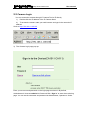
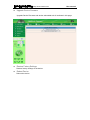
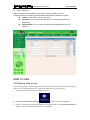
5) Camera login
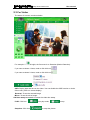
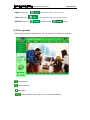
6) Now you can use the IP Camera as Visitor, operator or Administration in the LAN.
2.7 Setting Wi-Fi of IP Camera
1) To use the wireless function of the IP Camera, a wireless router like TPLink is
required.
2) Enter the wireless router setup page (you may see the wireless router user manual).
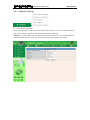
To Find out the SSID, Channel, Security Way, Authentication Type, Encryption.
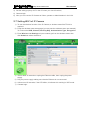
3) Enter Wireless Lan Settings to input contents got from the wireless router then
click Submit to reboot the device.
4) Wait at least 30 seconds to unplug the Ethernet cable, then unplug the power
supply.
5) Plug the power supply making sure that the Ethernet is not connected.
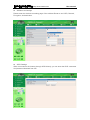
6) After around 30 seconds, if the LED blinks, it indicates it is working in WIFI mode.
7) Camera login.