1
EMPower Sensor Parameters
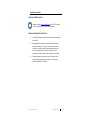
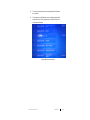
To display or change the data and configuration parameters for an
EMPower sensor, on the Home screen press the status box to the right of the
slot number for the installed EMPower plug-in card. This will display the following
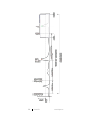
sensor screen, which provides the power level for each connected sensor:
Sample Sensor Screen
www.ets-lindgren.com
Operation
25