1
Table of Contents
Table of Contents
Device Basics
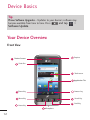
Your Device Overview
Front View
Rear View
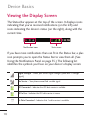
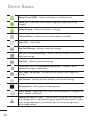
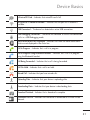
Viewing the Display
Screen
Turning Your Device
On and Off
2
12
12
12
16
18
22
Turning Your Device On 22
Turning Your Device Off 23
Battery and Charger
24
Battery Capacity
Installing the Battery
Removing the Battery
Charging the Battery
Battery Temperature
Protection
Charging with USB
24
25
25
26
Extending Your Battery
Life
Device Function Keys
2
27
27
28
31
Menu Key
Working with Menus
31
32
Options menus
32
Using Context menus
33
Backing Up Within a Menu 35
Using the Notifications
Panel
Home Key
Back Key
Search Key
35
37
37
38
Device and Web Search
Using Text Entry
38
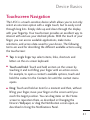
Touchscreen Navigation 41
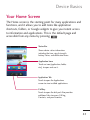
Your Home Screen
43
Extended Home Screens 44
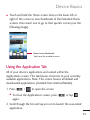
Using the Application Tab45
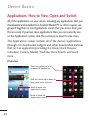
Applications: How to View,
Open and Switch
46
Opening and Closing the
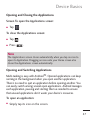
Applications
47
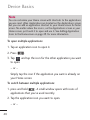
Opening and Switching
Applications
47
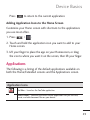
Adding Application Icons to
the Home Screen
49
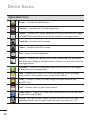
Applications
49