1
Appensix B
Understanding the Communications Service
The LookoutDirect serial communication service allocates serial port usage
between driver objects. At the frequency of the object Poll Rate, a driver
object notifies the communications service that it needs to use a specific serial
port to poll a device. If the requested serial port is not in use, LookoutDirect
allocates the serial port to the driver object. When the driver object takes
control of the serial port, it defines port communications parameters such as
baud rate and protocol and polls its device. When polling is complete, the
driver object releases the port so the communications service can allocated it
to other driver objects.
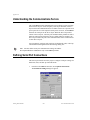
You can uniquely configure each serial port for hardwired, radio, or dial–up
communications through the Serial Port Settings dialog box.
You must define serial port communication settings on both the
Development/Runtime and Runtime only LookoutDirect products.
Note
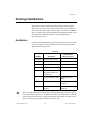
Defining Serial Port Connections
This section provides the necessary steps to configure serial port settings for
hardwired, radio, and dial–up communications.
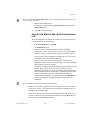
1.
From the LookoutDirect menu bar, select Options Serial Ports...
The Serial Port Settings dialog box appears.
Getting Started Guide
B-2
www.Automationdirect.com