1
NOTES
Step 5: Computer Simulation/Optimization Analysis
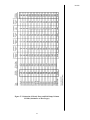
Input data into PASSER II for each construction phase (five in all) for
each time period (three time periods: AM , Mid-Day and PM) for a total of 15
PASSER II optimizations. Input data into PASSER II for the final geometric
condition is also necessary to estimate the delay after the construction is
complete. Summarize system delay for each simulation and determine the delay
difference between each construction phase and the final geometry condition.
And finally, calculate the estimated road user cost (by summation of AM, MidDay, and PM period additional delay values multiplied by appropriate
multipliers to obtain a daily total) based on the current value of time.
It is now necessary to complete Phase 1 and post-construction
simulation/optimization for the PM period. This example file has been setup
with all volumes and saturation flow rates entered for all intersections except
Kirby at South Main. The data input and run PASSER II to determine the delay
for the PM period for Phase 1 will be completed for this example.
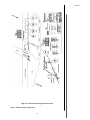
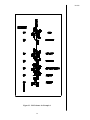
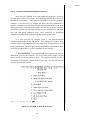
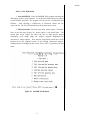
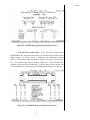
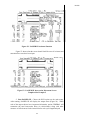
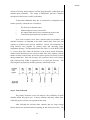
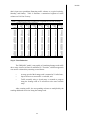
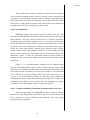
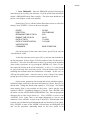
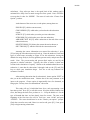
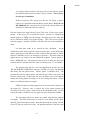
1. Start PASSER II. Enter the PASSER II-90 program following the
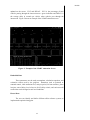
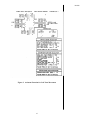
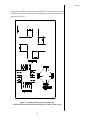
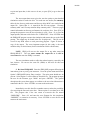
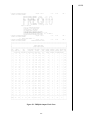
instructions given by the instructor. Go to the main menu (Figure 24) and
choose option 2–read old data from disk. The program will ask you for a
subdirectory and filename. Choose the file ex5p1.dat. The file will load and
return to the main menu screen.
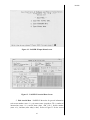
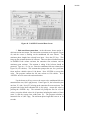
Figure 24. PASSER II Main Menu Screen
59