1
2. Chart Functions
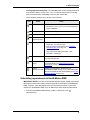
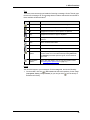
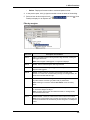
IMPORTANT NOTE!
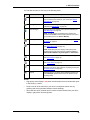
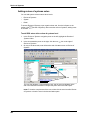
If Allow Demographics Entry in Launch > Administration Module > Settings > Site
Settings is Off, secondary toolbars on the Insurance Policies and Emergency Contacts
tabs do not display, since that information cannot be edited from HealthMatics EMR.
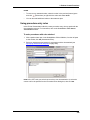
The
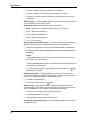
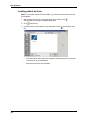
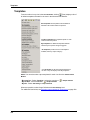
(Edit Patient Demographics) button on the Demographics screen still displays,
but when you click it, fields updated by the PMS interface are disabled (gray), and you
will only be able to modify fields that are not updated by your PMS.
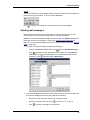
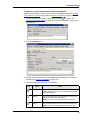
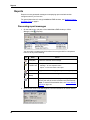
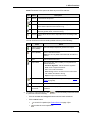
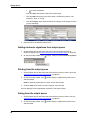
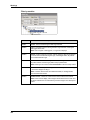
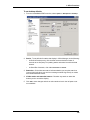
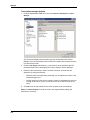
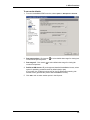
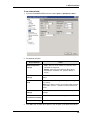
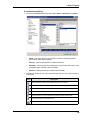
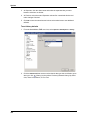
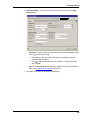
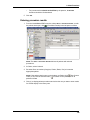
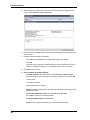
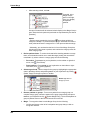
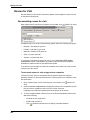
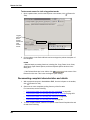
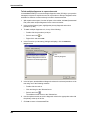
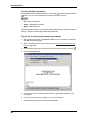
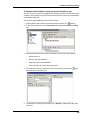
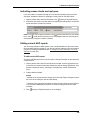
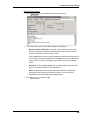
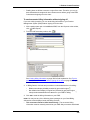
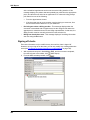
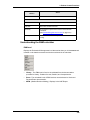
Entering emergency contacts
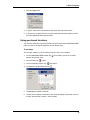
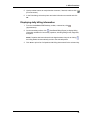
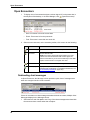
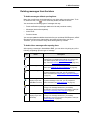
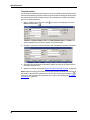
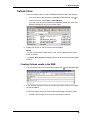
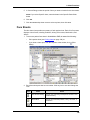
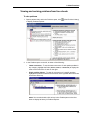
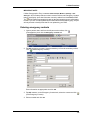
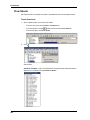
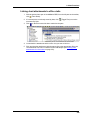
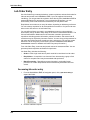
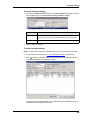
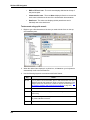
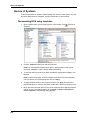
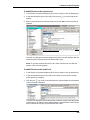
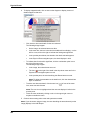
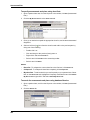
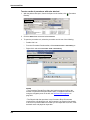
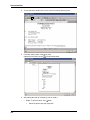
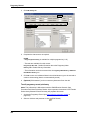
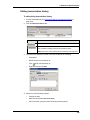
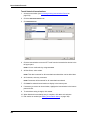
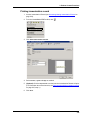
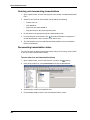
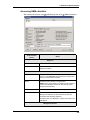
1. Open a patient chart, and from the left pane or the toolbar, click
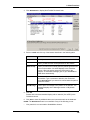
(Demographics) then click the Emergency Contacts tab.
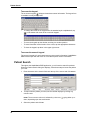
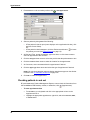
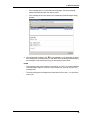
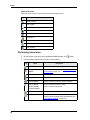
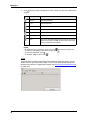
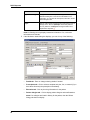
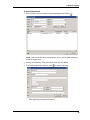
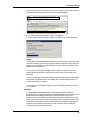
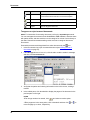
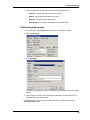
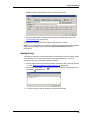
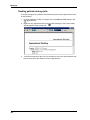
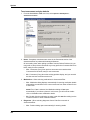
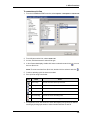
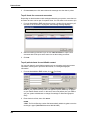
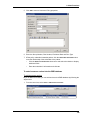
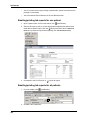
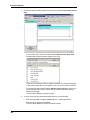
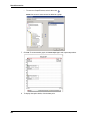
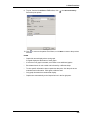
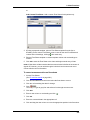
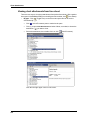
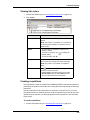
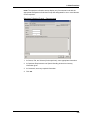
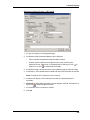
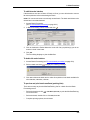
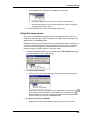
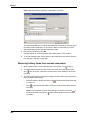
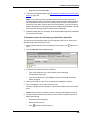
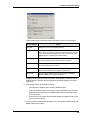
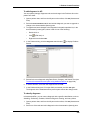
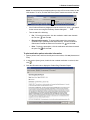
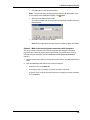
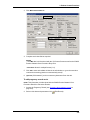
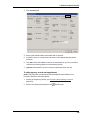
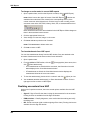
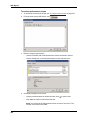
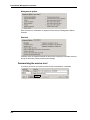
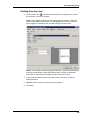
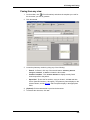
2. To add emergency contacts, press the Insert key or from the secondary toolbar,
click
(Add Emergency Contact).
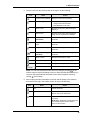
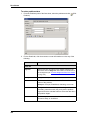
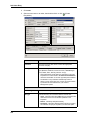
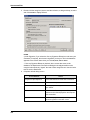
Enter information as appropriate and click OK.
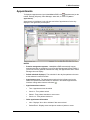
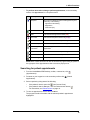
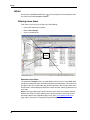
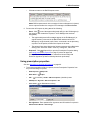
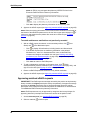
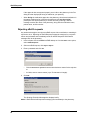
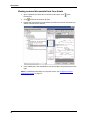
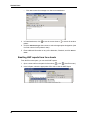
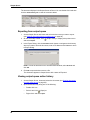
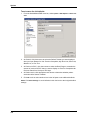
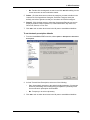
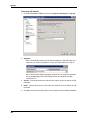
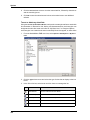
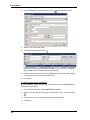
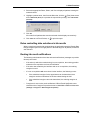
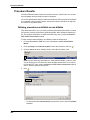
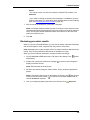
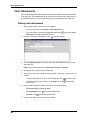
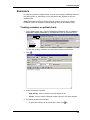
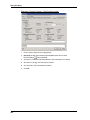
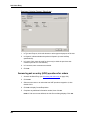
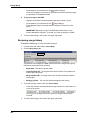
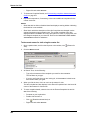
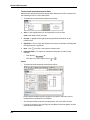
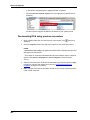
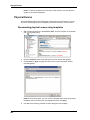
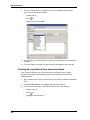
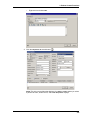
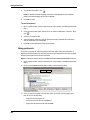
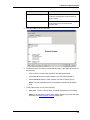
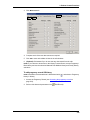
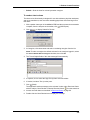
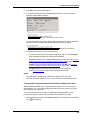
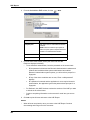
3. To edit contacts, on the Emergency Contacts tab, select the contact and click
(Edit Emergency Contact).
4. Edit as needed and click OK.
171