1
1. Office Functions
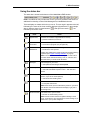
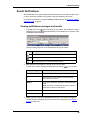
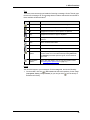
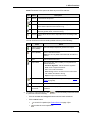
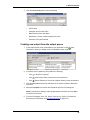
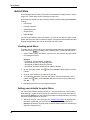
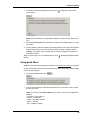
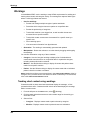
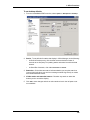
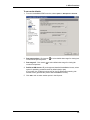
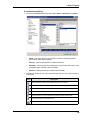
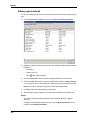
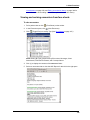
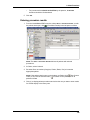
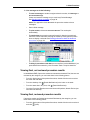
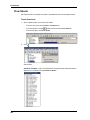
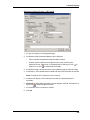
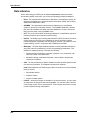
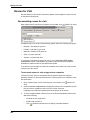
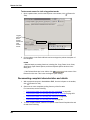
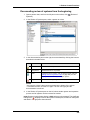
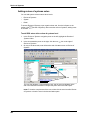
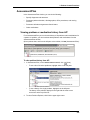
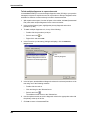
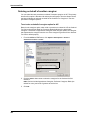
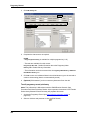
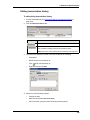
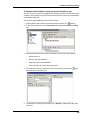
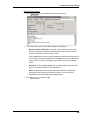
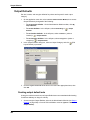
To set desktop defaults
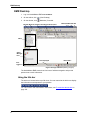
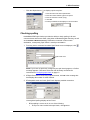
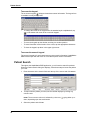
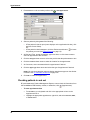
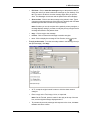
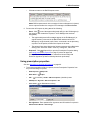
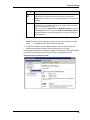
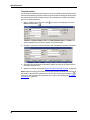
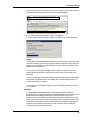
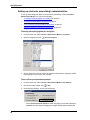
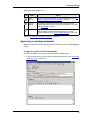
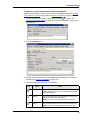
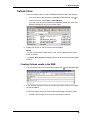
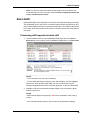
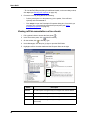
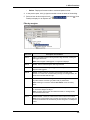
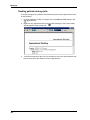
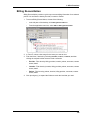
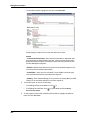
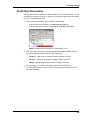
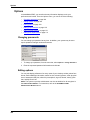
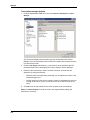
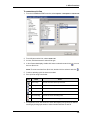
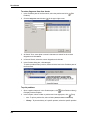
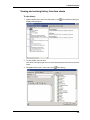
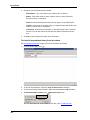
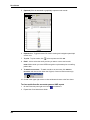
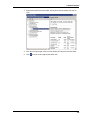
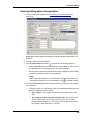
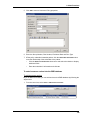
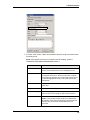
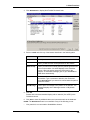
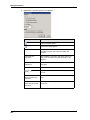
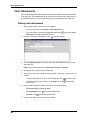
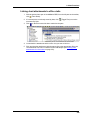
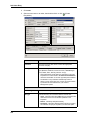
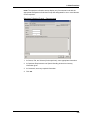
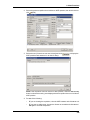
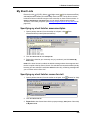
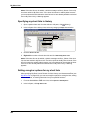
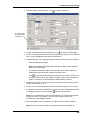
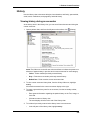
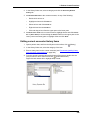
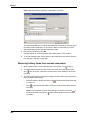
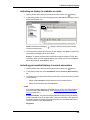
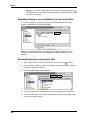
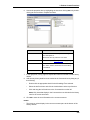
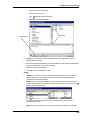
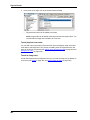
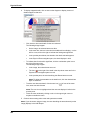
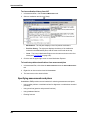
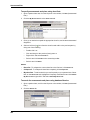
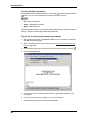
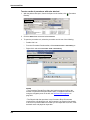
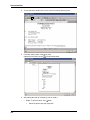
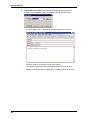
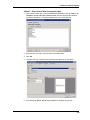
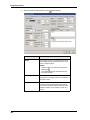
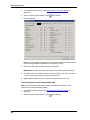
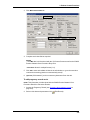
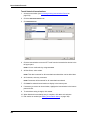
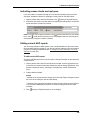
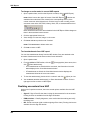
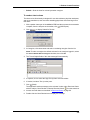
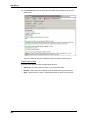
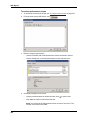
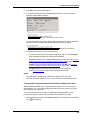
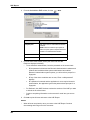
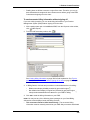
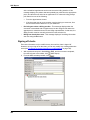
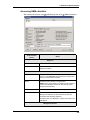
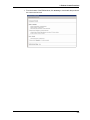
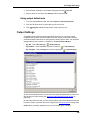
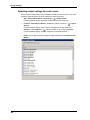
1. From the HealthMatics EMR menu bar, select Options > Edit Options > Desktop.
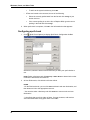
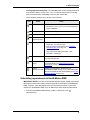
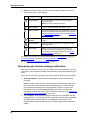
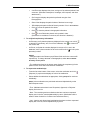
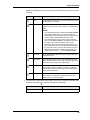
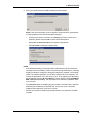
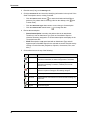
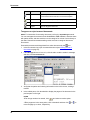
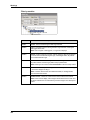
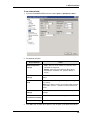
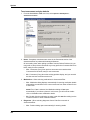
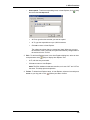
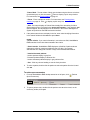
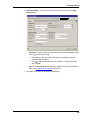
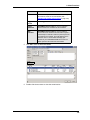
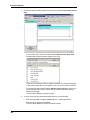
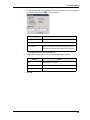
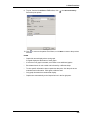
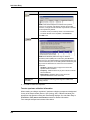
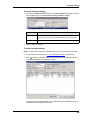
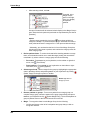
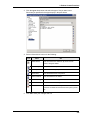
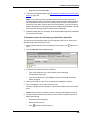
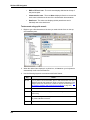
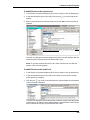
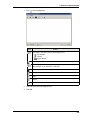
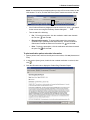
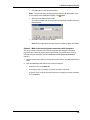
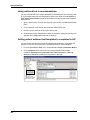
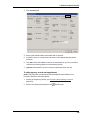
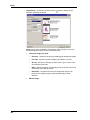
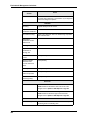
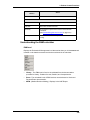
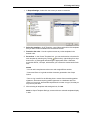
2. Stacks - To set defaults for stacks that display in Office Manager, do the following:
•
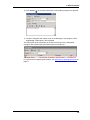
At Refresh Desktop every, click the down-arrow and select number of
seconds to set frequency for updating stacks and status bar with new data
entered.
•
At Stack Bar Orientation, click either Horizontal or Vertical.
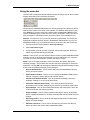
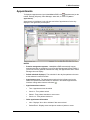
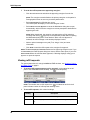
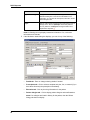
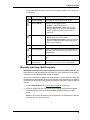
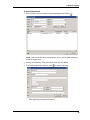
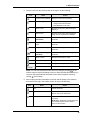
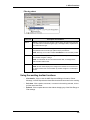
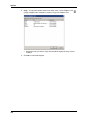
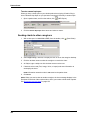
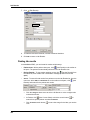
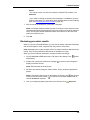
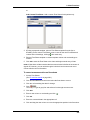
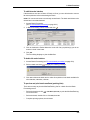
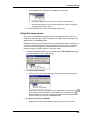
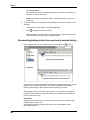
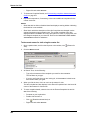
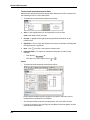
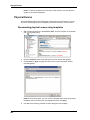
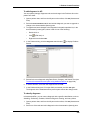
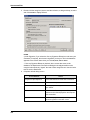
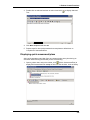
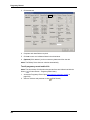
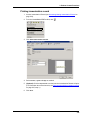
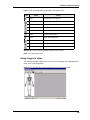
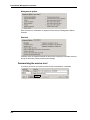
3. Status bar - Click either Yes or No to indicate whether you want the status bar
icons to blink (red) when you receive a message marked High Priority or results
that contain abnormal values.
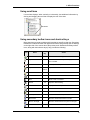
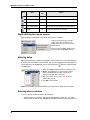
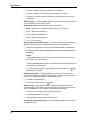
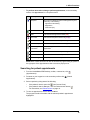
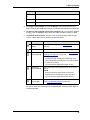
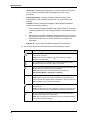
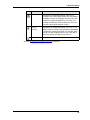
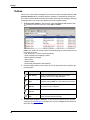
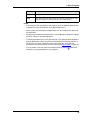
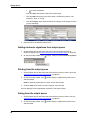
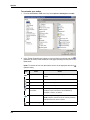
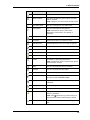
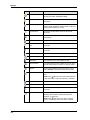
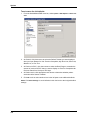
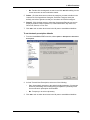
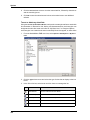
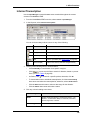
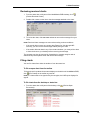
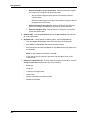
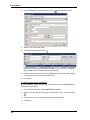
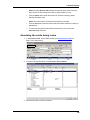
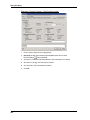
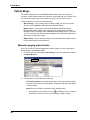
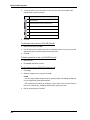
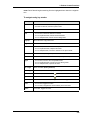
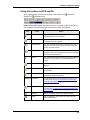
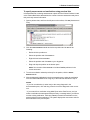
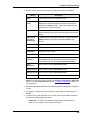
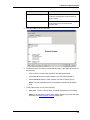
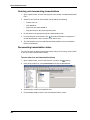
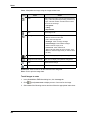
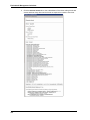
4. Visible stacks and status bar buttons - Deselect any stacks or status bar
buttons you do not wish to display.
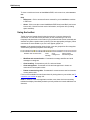
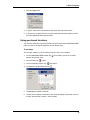
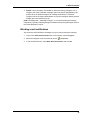
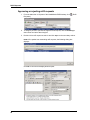
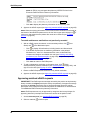
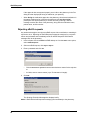
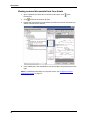
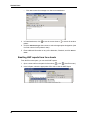
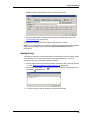
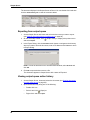
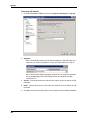
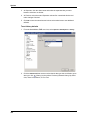
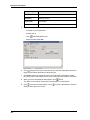
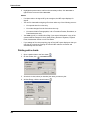
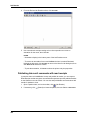
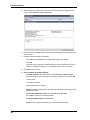
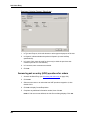
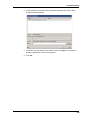
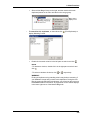
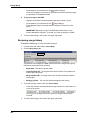
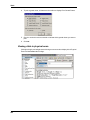
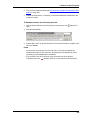
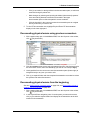
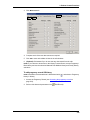
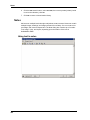
5. Click OK to save changes and exit or select another item in the left pane to set
more defaults.
109