1
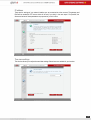
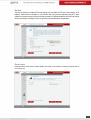
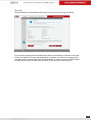
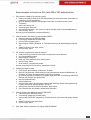
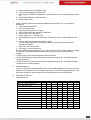
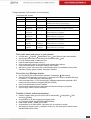
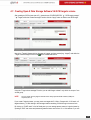
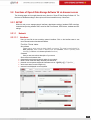
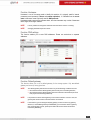
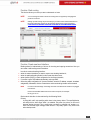
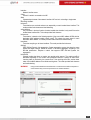
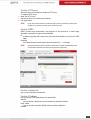
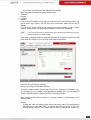
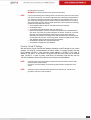
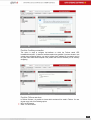
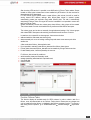
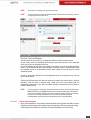
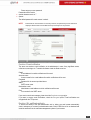
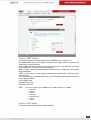
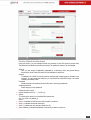
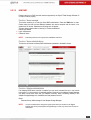
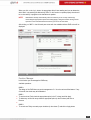
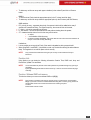
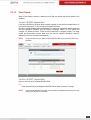
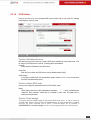
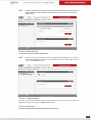
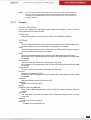
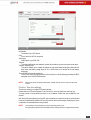
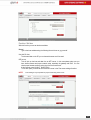
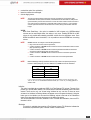
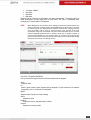
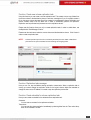
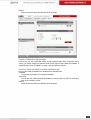
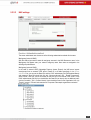
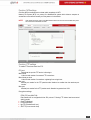
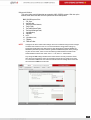
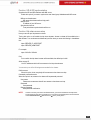
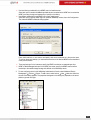
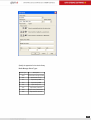
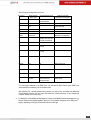
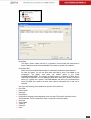
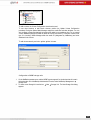
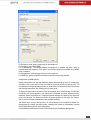
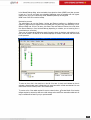
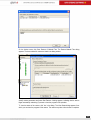
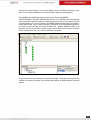
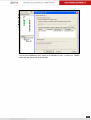
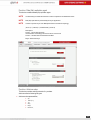
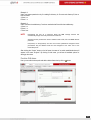
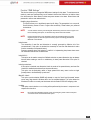
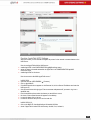
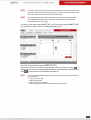
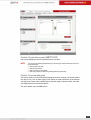
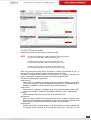
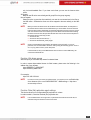
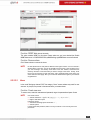
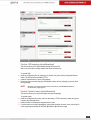
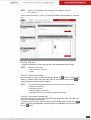
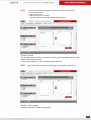
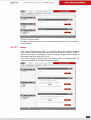
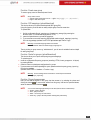
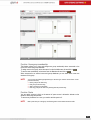
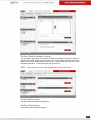
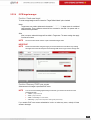
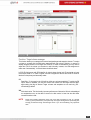
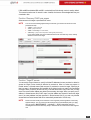
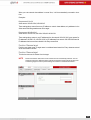
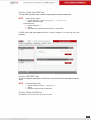
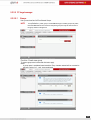
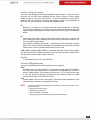
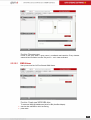
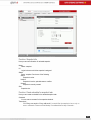
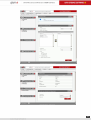
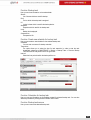
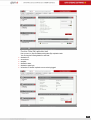
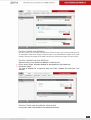
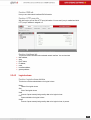
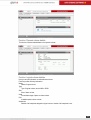
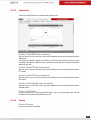
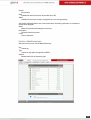
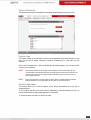
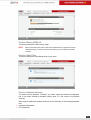
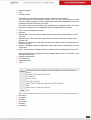
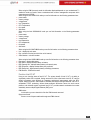
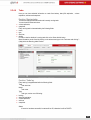
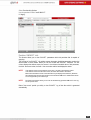
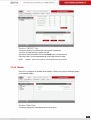
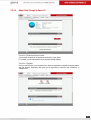
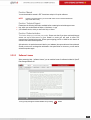
MD0,MD1, ..., MD[x] - this denotes software RAIDs. NOTE Units already being used in a volume group can be made available again by using the Delete content of units function in the console. Please be aware that this will remove all data from the unit!!!, You can only use units with capacities greater than 5 GB, smaller units are not supported. Function: Drive identifier This function has been designated to assist you in finding disks in your NAS server cage. If you have a hardware RAID installed, the whole RAID array is shown as a single drive, so you may not be able to determine which drive unit represents which disk when using the S.M.A.R.T. tool or a hardware RAID management tool (depending on the manufacturer of the RAID controller).. When you click on the “Apply” button, the appropriate disk will start reading and you can determine which disk it is by watching the disk-activity LEDs. For this function to operate properly there should be no other activity in progress on the hard drives in question. NOTE Identification will stop automatically after one minute if you do not stop it before (by unchecking the appropriate option and clicking “Apply”). Using this function during normal operation is not recommended and will cause your server to slow down. Function: Units assigned With this function you can view physical units attached to this volume group 65