1
Projects
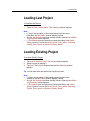
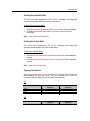
Opening a Project
You can open one project at once in Trimble Access.
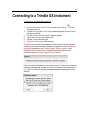
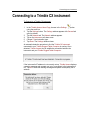
To Open a Project:
1.
Select a not already open project from the Projects panel by tapping it.
2.
3.
The Open Project
button becomes enabled. The selected project's
properties are displayed in the Properties panel.
Tap Open Project.
Tap Done.
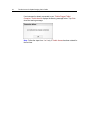
Tip: An open project has its name displayed in the title bar.
Note: The selected project remains selected once open.
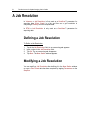
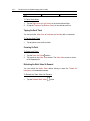
Closing a Project
You can close one project at once in Trimble Access. Any selection is
required but the project needs to be open.
To Close a Project:
1.
2.
Tap Close Project
Tap Done.
.