1
Chapter 2: Orchid Utilities
Sustain
There are several ways to get sustained notes: (1) for
continuous sustain, press the Caps Lock key. The
notes played are sustained until the Caps Lock key is
pressed again. (2) Hold down the Shift key while
playing various notes.
Key-Z Player - Accompanied
Key-Z Player can perform melodies while being
accompanied by any standard MIDI Song File played
in real-time.
To play Key-Z Player - Accompanied:
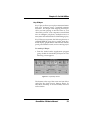
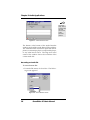
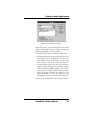
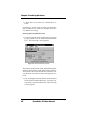
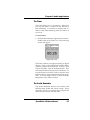
1. Open the Song Player window by clicking on the
Player menu button.
2. Click on the Open Song button and select a song
to play.
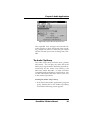
3. When the file is opened, it will use the default
settings for Key, Scale and Tempo. In addition,
the track structure of the Song File (including the
instrument name and MIDI channel is set into the
Mixer.
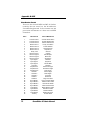
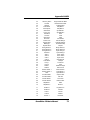
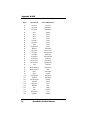
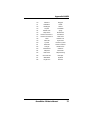
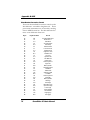
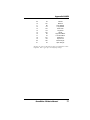
Please refer
to Appendix
B for the
MIDI Drum
Patch
Settings.
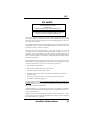
NOTE: Key-Z Player can read and play Format 0
and Format 1 MIDI files. The standard MIDI files
included with Key-Z Player are Format 1 files and
contain the optional Key and Scale data.
SoundDrive 16 User's Manual
35