1
GALAAD
3 —————————————————————————————
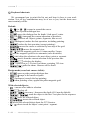
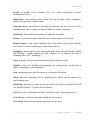
Keyboard shortcuts
We recommend you to print this list out and keep it close to your work
station. Not all key combinations may be of use to you, but the main ones
most certainly will be.
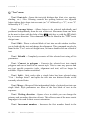
Default:
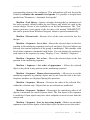
/
(or
/ ) zooms in around the cursor.
opens a position dialogue box.
opens the dialogue box for depth / feed speed / cutter.
(or
) interrupts the current operation or deselects.
deselects all: objects, points, segments, blue or red.
(backspace) undoes the last operation, including pointing.
redoes the last operation (except pointing).
moves the cursor or selection by one step of the grid.
moves the zoomed view.
/
sets the magnetic grid size 10 times smaller / larger.
sets the magnetic grid size to automatic (ruler divisions).
(tab) skips the selection to the next object, point or segment.
moves from the current selection to the previous one.
refreshes the display.
+ quad view or 3-D view icon shows a rotating 3-D view.
pulls the alarm. Abusers will be fined.
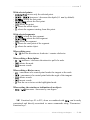
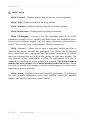
Design mode (cross hair cursor visible):
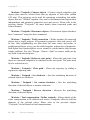
opens a polar position dialogue box.
snaps to the small red point.
(backspace) cancels the last pointing.
when pointing a line, applies the polar magnetic grid.
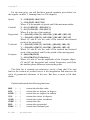
With selected objects:
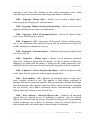
+ mouse select adds to selection.
select all.
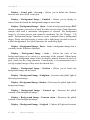
/
increases / decreases the depth (0.01 mm by default).
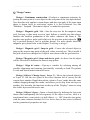
/
sends the object to the first / last place in the sequence.
locks the selected object
inverts the selected object.
inverts the selected object about the X/Y bisector.
/
selects in red the object’s start point / segment.
5 - 68 —
Advanced design techniques
— — — — — — — — — — — — — — — — — —