1
Exercise: Create a Simple Application
3.2.5
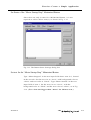
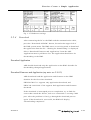
Create “Motor Startup/Stop” Multistate Indicators
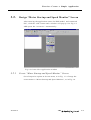
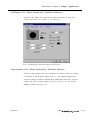
Place “Motor Startup/Stop” Multistate Indicators in screen #1 “Motor
Startup and Speed Monitor.” It has the following attributes:
1.
Read: M0 (Contact in Mitsubishi FX2N PLC)
2.
Data type: bit
3.
Frame: “Round1”
4.
No text display for both states 0 and 1
5.
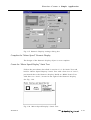
Use a monochromatic bitmap created by Windows paintbrush for
graphic display
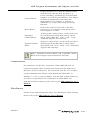
Procedures are described in the following:
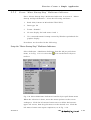
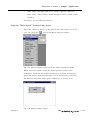
Setup the “Motor Startup/Stop” Multistate Indicators
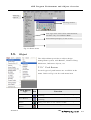
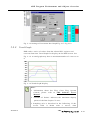
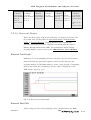
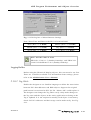
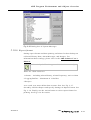
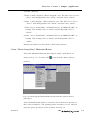
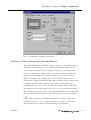
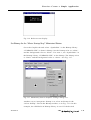
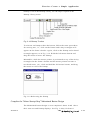
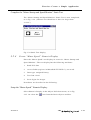
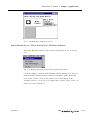
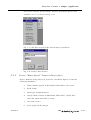
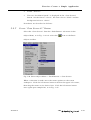
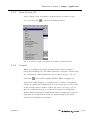
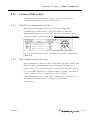
Select Indicator ->Multistate Indicator from the Object pull-down
menu, as in Fig. 3-29. Or select the
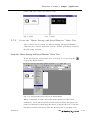
toolbox.
icon on the Basic Objects
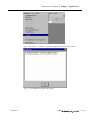
Fig.3-29 Select Multistate Indicator from the object pull-down menu
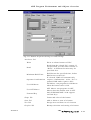
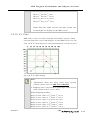
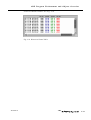
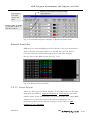
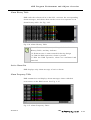
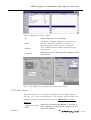
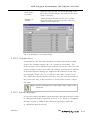
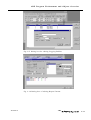
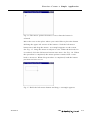
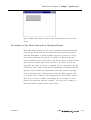
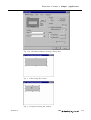
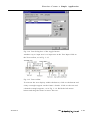
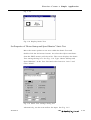
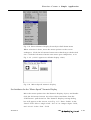
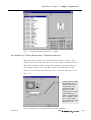
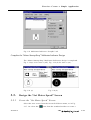
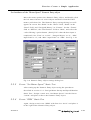
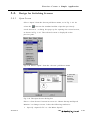
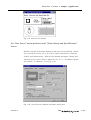
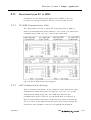
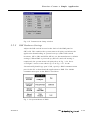
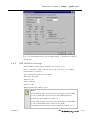
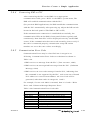
When the selection is done, move the mouse pointer to the screen
workspace. Click the left mouse button once to define the button’s
upper left corner, then drag the mouse to the desired size. Click the
left mouse button once upon completion, as in Fig. 3-30.
Version 3
ADP Soft ware Quick Manual
3-18