1
Manageable Gigabit Ethernet Switch with SFP – User manual
o
st
1 & 2
nd
Page 58/83
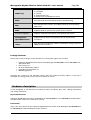
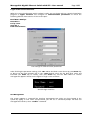
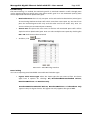
Ring Ports: Pull down the selection menu to assign the ports as the
st
member ports. 1 Ring Port is the working port and 2
nd
Ring Port is the backup
st
port. When 1 Ring Port fails, the system will automatically upgrade the 2
nd
Ring Port to be the working port
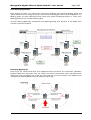
• Enable Couple Ring: To enable the couple ring function, tick the checkbox beside the
Enable Couple Ring string label
o
Couple Port: Assign the member port which is connected to the other ring
group
o
Control Port: When the Enable Couple Ring checkbox is ticked, you have to
assign the control port to form a couple-ring group between the two M-rings
• Enable Dual Homing: Set up one of the ports on the switch to be the Dual Homing port.
For a switch, there is only one Dual Homing port. Dual Homing function works only
when the M-Ring function enabled
• Enable Dual Ring: When this check box is ticked, the ‘Enable Ring Master’ check box
will then also be enabled by the system, which means this equipment is assigned as the
Ring Master. The Dual Ring differs from the Couple Ring in that it only needs a unit to
form a redundant linking system of two rings
• And then, click
Apply
to apply the configuration
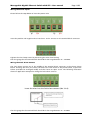
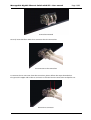
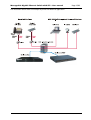
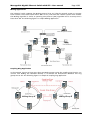
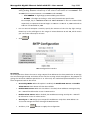
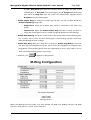
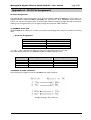
M-Ring Configuration
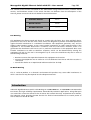
M-ring Interface
When the M-Ring function enable, user must disable the RSTP. The M-Ring function and RSTP
function cannot exist in a switch at the same time.
MICROSENS GmbH & Co. KG - Kueferstraße 16 - 59067 Hamm / Germany - Tel. +49 23 81/94 52-0 - FAX -100 - www.microsens.com