1
Quick User Guide
4.
5.
6.
7.
8.
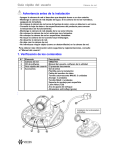
V960-N Series Network Camera
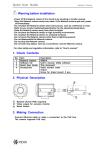
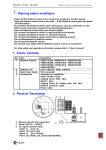
Network (RJ-45 PoE supported)
Reset Button
Power (DC12V / AC24V)
Status LED
DC Iris
Front View
9. Flange back locking screw
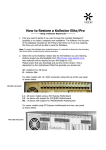
3. Making Connection
1. If you have external devices such
as sensor or alarms, make connection
from terminal block connector.
3. Connect power cable to the camera.
When you use PoE function, you don’t
need to connect power.
2. Connect Ethernet cable to make connection
to the network hub.
2