1
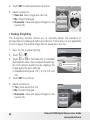
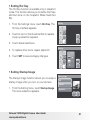
• Setting Auto Review
The Auto Review function lets you view the captured image right after
shooting it.
Available settings are: Off, 1 sec., 2 sec., 3 sec.,
and 5 sec.
To set Auto Review
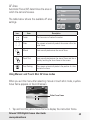
1. From the Setting menu, touch Auto Review.
2. Touch to apply desired settings.
This function is not available in camcorder mode.
Auto Review
Off
1s
1 sec.
2s
2 sec.
1/2
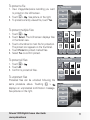
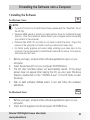
• Setting Digital Zoom
This feature controls the digital zoom mode of your camera.
Your camera enlarges an image using the optical zoom first. When the zoom
scale exceeds 3x, the camera uses digital zoom.
To set Digital Zoom
1. From the Setting menu, touch Digital Zoom.
2. Touch to apply desired settings.
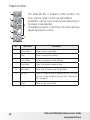
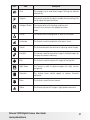
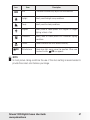
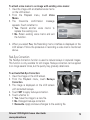
The table below shows the available Digital Zoom settings.
Icon.
Type
Description
Intelligent Zoom
Enlarges the image digitally with almost no distortion.
Standard Zoom
Enlarges all image sizes up to a maximum of 12x, but the
image quality deteriorates.
Off
Uses the optical zoom only.
NOTE:
The maximum Intellect zoom scale varies depending on the image type and
resolution.
78
Polaroid t1035 Digital Camera User Guide
www.polaroid.com