1
2
03/08 Rev. 4.04-01
USER MANUAL
Setup Printer
AP 7.t
Material Inserting Procedure
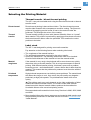
CAUTION! - Trained staff is required for inserting and changing ribbons and
material!
•
•
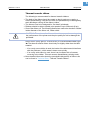
Ribbon winding direction depicted in [1] and [2]: Colour side inwards.
Ribbon rolls with the colour side facing outwards can also be used (see [3]).
P Winding setup see section Ribbon with the colour side facing outwards on
page 3.
Material print
surface outside
1
13
[1]
12
11
3
2
10
9
4
5
6
7
8
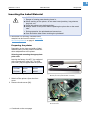
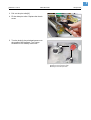
Material and ribbon path in the AP 7.t when using textile material. Winding direction: Print
surface outside.
No. Operating Parts
No. Operating Parts
1
Ribbon rewinding mandrel
8
Material brake
2
Ribbon unwinding mandrel
9
Material guide
3
Printhead pressure lever
10
Sensor fitting
4
Material deflection axle
11
Printhead
5
Material pressure brush
12
Print roller
6
Material guide plate
13
Opener for pressure roller
7
Material roll
[Table 1] Operating parts in the AP 7.t.